
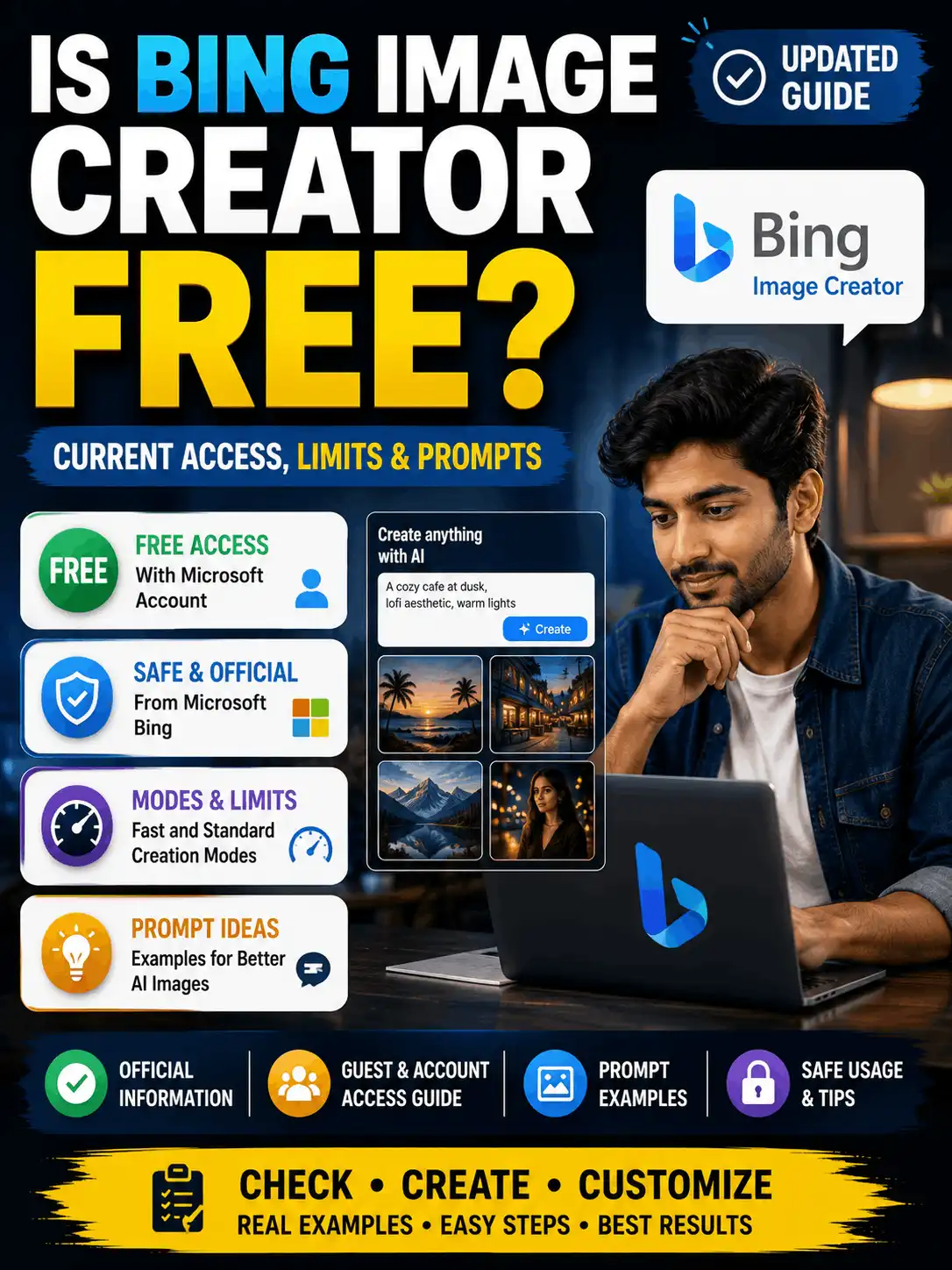
Yes. Bing Image Creator is currently available free for people using a personal Microsoft Account. The live Bing interface also advertises limited guest creation, 10 free creations in Fast mode and unlimited creations in Standard mode, but those limits, model choices, regions and interface labels can change. This guide explains what free access means, how to sign in, how the current modes work, how to write a useful first prompt and how to share an image to WhatsApp safely. Product facts were checked against official Microsoft pages on 3 August 2026 and should be verified again whenever the article is updated.
| QUICK ANSWER: Bing Image Creator is currently free with a personal Microsoft Account. The live interface shows limited guest use, 10 free Fast creations and unlimited Standard creations, but exact limits and model availability can change. Check the official Bing creation page and display a visible last-verified date before publishing fixed numbers. |
| DATE-SENSITIVE INFORMATION: “Free,” guest access, Fast creations, Standard mode, model choices and availability can change. Keep a visible verification date and update the article when Microsoft changes the interface or terms. |
Is Bing Image Creator Free Right Now?
Yes. Microsoft’s official Bing feature page describes Bing Image Creator as free for users who sign in with a personal Microsoft Account. The live creation page also invites guests to try a limited number of creations and asks them to sign in for more access and additional models.
The important qualification is that free access does not mean every mode has unlimited priority speed. At the time of verification, Bing displayed 10 free creations in Fast mode and unlimited creations in Standard mode. Standard generation may be slower, and guest limits, service capacity and regional access can change.
What “Free” Means in Bing Image Creator
| Item | Verified status on 3 August 2026 | Official source | Editorial caution |
| Overall cost | Free to use with a personal Microsoft Account | Microsoft Bing feature page | Recheck on every update |
| Guest use | Limited guest creation may be available; limits reset daily | Live Bing creation page | Guest capacity and count can vary |
| Fast mode | 10 free creations displayed | Live Bing creation page | Current interface snapshot, not a permanent promise |
| Standard mode | Unlimited creations displayed | Live Bing creation page | Generation can be slower and capacity-dependent |
| Work/school account | Microsoft Entra ID accounts are not supported for this consumer tool | Microsoft Bing feature page | Use a personal Microsoft Account |
| Terms | Bing Image Creator terms show a March 2026 update | Official Bing terms page | Commercial-use questions still require case-specific review |
Free access means a beginner can generate images without buying a separate Bing Image Creator subscription. It does not guarantee permanent limits, instant generation, uninterrupted availability or commercial rights for every possible use. Microsoft can change capacity, models, credit rules and regional availability.
Do You Need a Microsoft Account?
A personal Microsoft Account is the normal supported sign-in method. Microsoft’s official feature page says that work or school accounts based on Microsoft Entra ID are not supported for this consumer tool. A reader who receives an account error should first check whether they are using a personal account rather than assuming the service is paid or unavailable.
Guest creation may appear without sign-in, but it is limited and capacity-dependent. Signing in can unlock additional models, uploads or other options shown in the current interface. Do not promise that the same controls will appear for every country, device or account.
When an image-upload option is used, avoid sensitive personal information and do not upload another person’s image without consent. Microsoft’s live page includes a warning not to share images of others without their consent.
How to Use Bing Image Creator for Free
- Open the official Bing Image Creator page. Use Microsoft’s verified Bing domain rather than an unofficial bot, copied interface or third-party page.
- Check the access message. Guest use may be available. Sign in with a personal Microsoft Account when the guest limit is reached or when the desired model or upload option requires sign-in.
- Review the current mode and model choices. Select Fast or Standard only when those labels are visible. Do not follow screenshots from old tutorials blindly.
- Write a clear prompt. Describe the subject, action, setting, lighting, style, composition and ratio. Avoid vague requests such as “make a beautiful image.”
- Choose ratio or image quantity when offered. Available ratios and quantities can differ by model and account.
- Create and wait for the result. Standard generation may take longer. Avoid submitting the same request repeatedly during high service load.
- Review every output. Inspect faces, hands, visible text, logos, object count, cultural details and safety concerns before saving or sharing.
- Record test details for publication. Save the exact prompt, mode/model shown, account state, date, ratio, meaningful retries and observed limitations.
| SCREENSHOT INSERTION POINT: Add a current, privacy-safe sequence showing the official page, sign-in control and prompt box. Remove email addresses, profile images, history and other account details. |
Current Fast and Standard Limits
| Access or mode | Current display | What it means | Recommended next step |
| Guest access | Limited creation without sign-in may appear | Daily reset/capacity language is shown | Sign in when the guest limit is reached; do not use unofficial workarounds. |
| Fast | 10 free creations displayed | Faster queue or priority experience | After free Fast creations, use Standard or follow the current interface options. |
| Standard | Unlimited creations displayed | Slower or capacity-dependent | Wait for completion and avoid repeatedly resubmitting the same prompt. |
| Rewards upgrades | May be offered in the interface | Can provide additional faster creation benefits | Describe only the option visible on the verification date. |
Do not reuse old “boost” numbers from previous versions of Bing Image Creator. The live interface is the source of truth for the user’s account on the day of publication. When a number changes, update the visible text, screenshot, structured data and last-verified date together.
Bing Image Creator Name and Common Misspellings
The official product name is Bing Image Creator. Searches such as wing ai image creator, wing ai image generator, wing ai photo creator and ping ai image generator can be spelling or voice-input variations. Use those phrases naturally only when clarifying the name; factual instructions should always use the official product name and official Microsoft domain.
AskExclusive should keep the supplied typo intent on this one canonical URL. Publishing a separate “ping image creator” page with the same cost, account and prompt answer would create unnecessary duplication and cannibalization.
Prompt for Bing Image Creator: Simple Formula
A useful prompt is descriptive but not overloaded. Start with the main subject, then add action, setting, lighting, style, composition and the most important constraints. If accurate text is essential, generate a text-free visual and add the wording manually because image text can still contain spelling errors.
| Create a [visual style] image of [main subject] [action or pose] in [setting]. Use [time of day and lighting], [color palette], [camera angle or composition] and a [aspect ratio] layout. Keep [important objects or identity details] accurate. Avoid [unwanted text, logos, extra people, distorted hands or other relevant errors]. |
Change one major variable at a time. For example, keep the subject and setting stable while testing lighting, or keep the lighting stable while comparing 1:1 and 4:5 crops. This makes the prompt easier to evaluate.
Bing AI Image Generator Prompts: Starter Examples
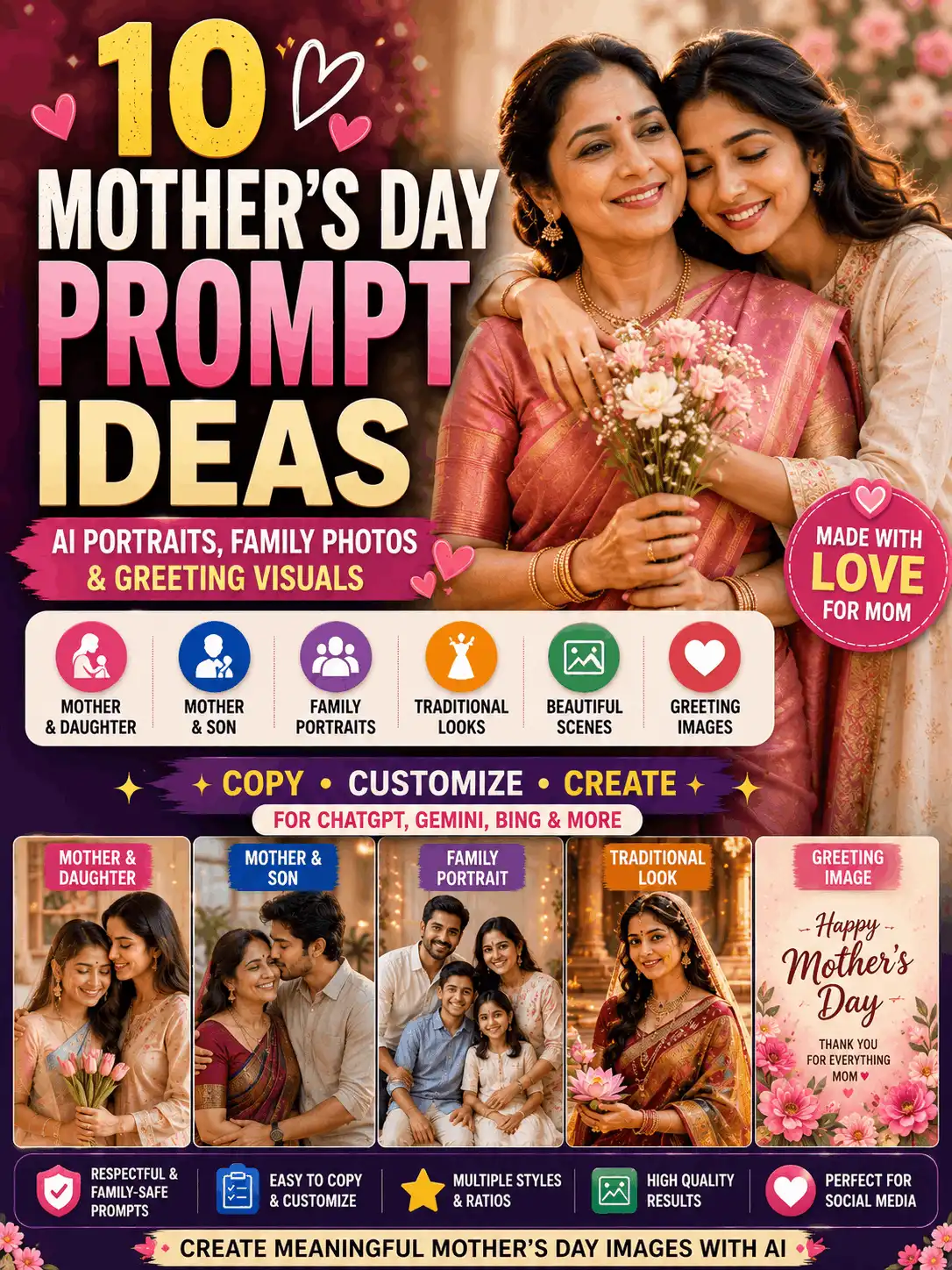
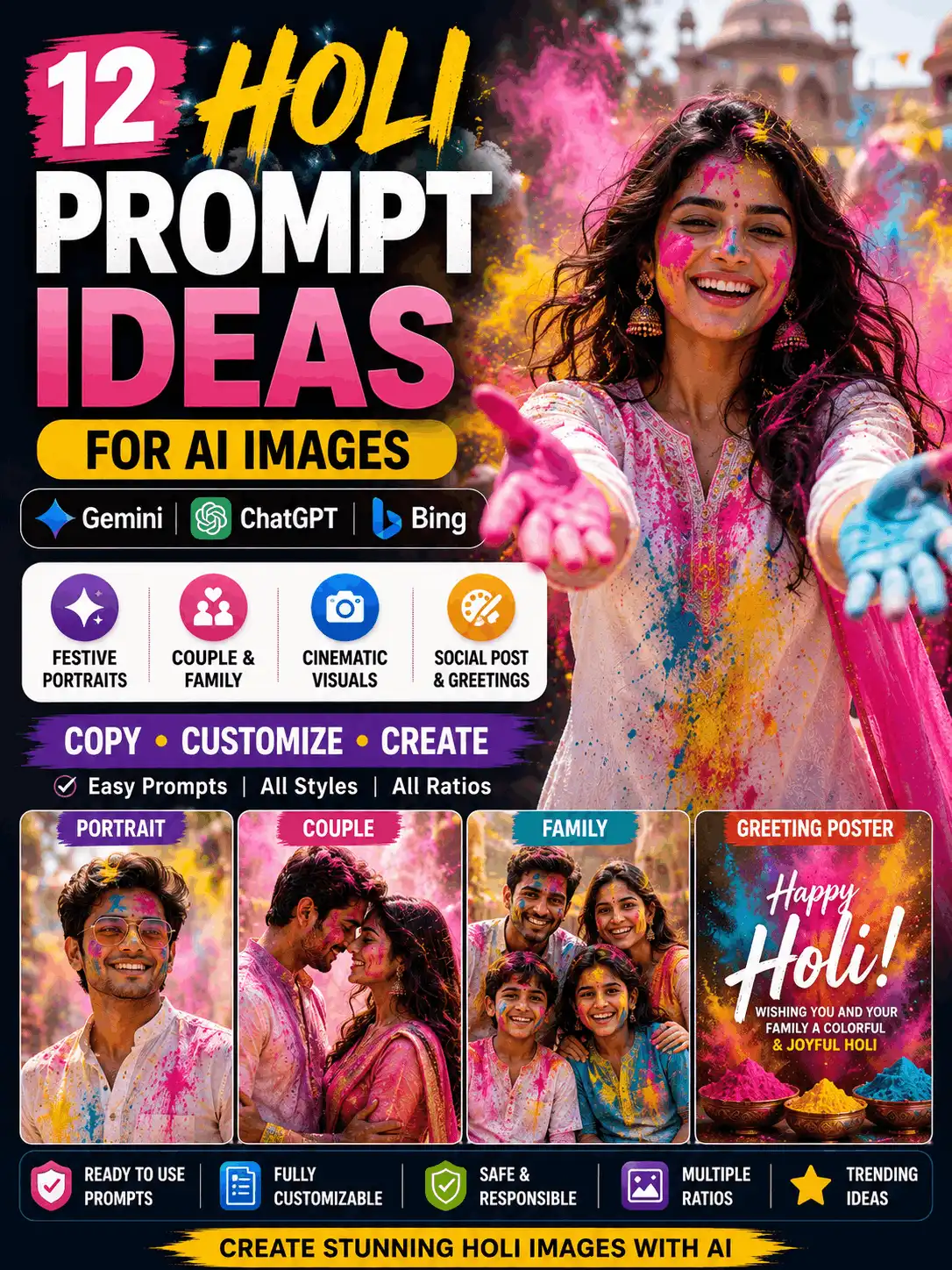
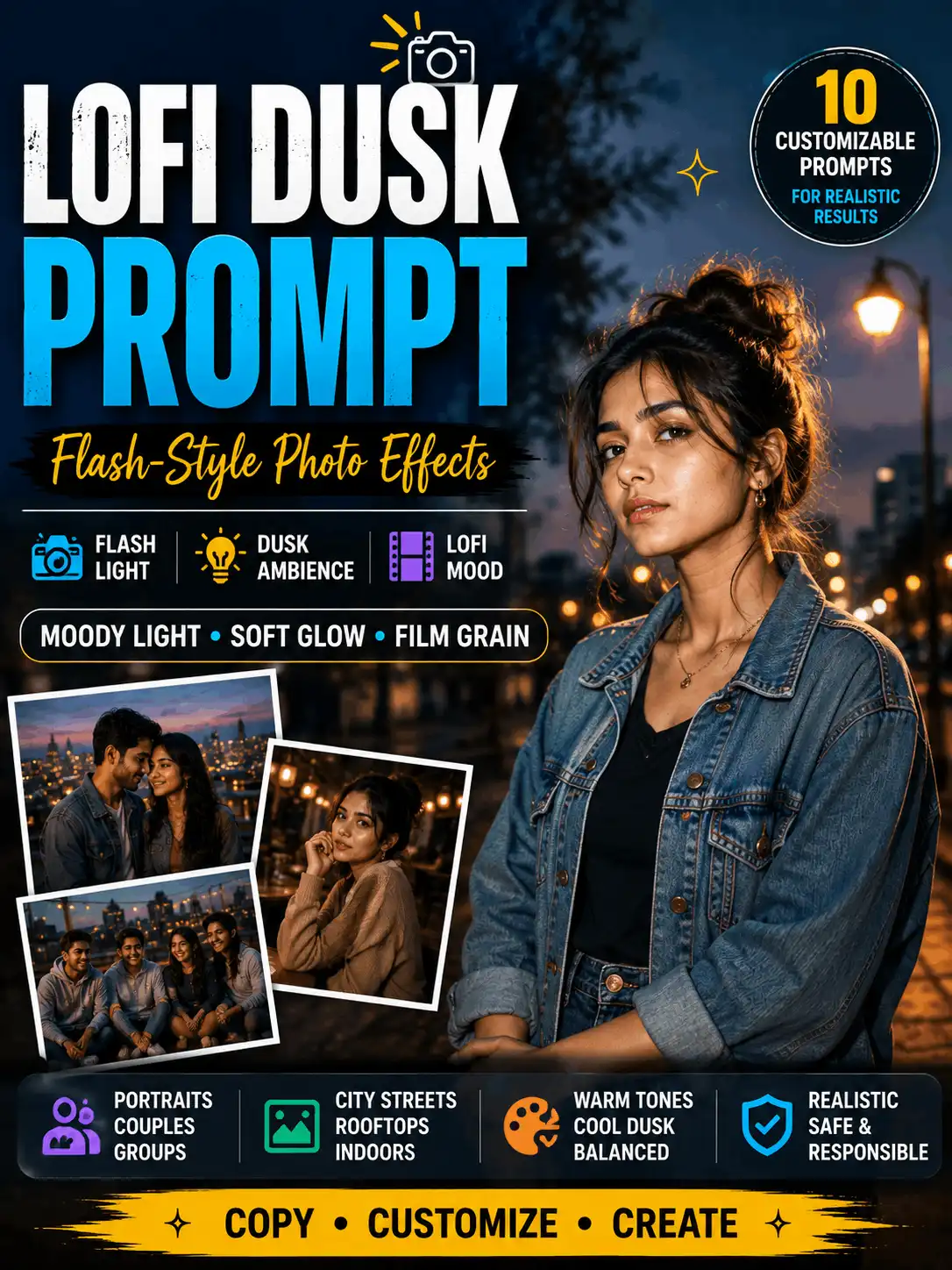
These six prompts are a compact starting set rather than a large unrelated prompt library. Replace details to create an original result, then add the exact output, mode/model and test date beside the prompt.
Realistic Adult Portrait Prompt
| ORIGINAL IMAGE INSERTION POINT: Add the manually reviewed result generated from the exact prompt below. Record the mode/model shown, account state, test date, ratio and one honest result note. |
| Create a realistic editorial portrait of an adult Indian creator standing in a clean urban garden during late-afternoon light. Use a simple cream linen shirt, calm eye contact, natural posture, realistic Indian facial features, detailed hair and natural skin texture. Add soft background separation, balanced colors and an 85mm portrait-lens look in a 4:5 composition. No logos, random text, extra people, distorted hands, plastic skin or excessive beauty filtering. |
| Best for | Profile images, editorial portraits and beginner testing. |
| Customize | Adult subject, outfit, pose, background, lighting, expression and lens look. |
| Suggested ratio | 4:5 |
| Review | Check face realism, fingers, clothing edges, skin texture, background objects and unwanted text. |
| Test status | Illustrative prompt – label as tested only after AskExclusive generates and reviews the matching output. |
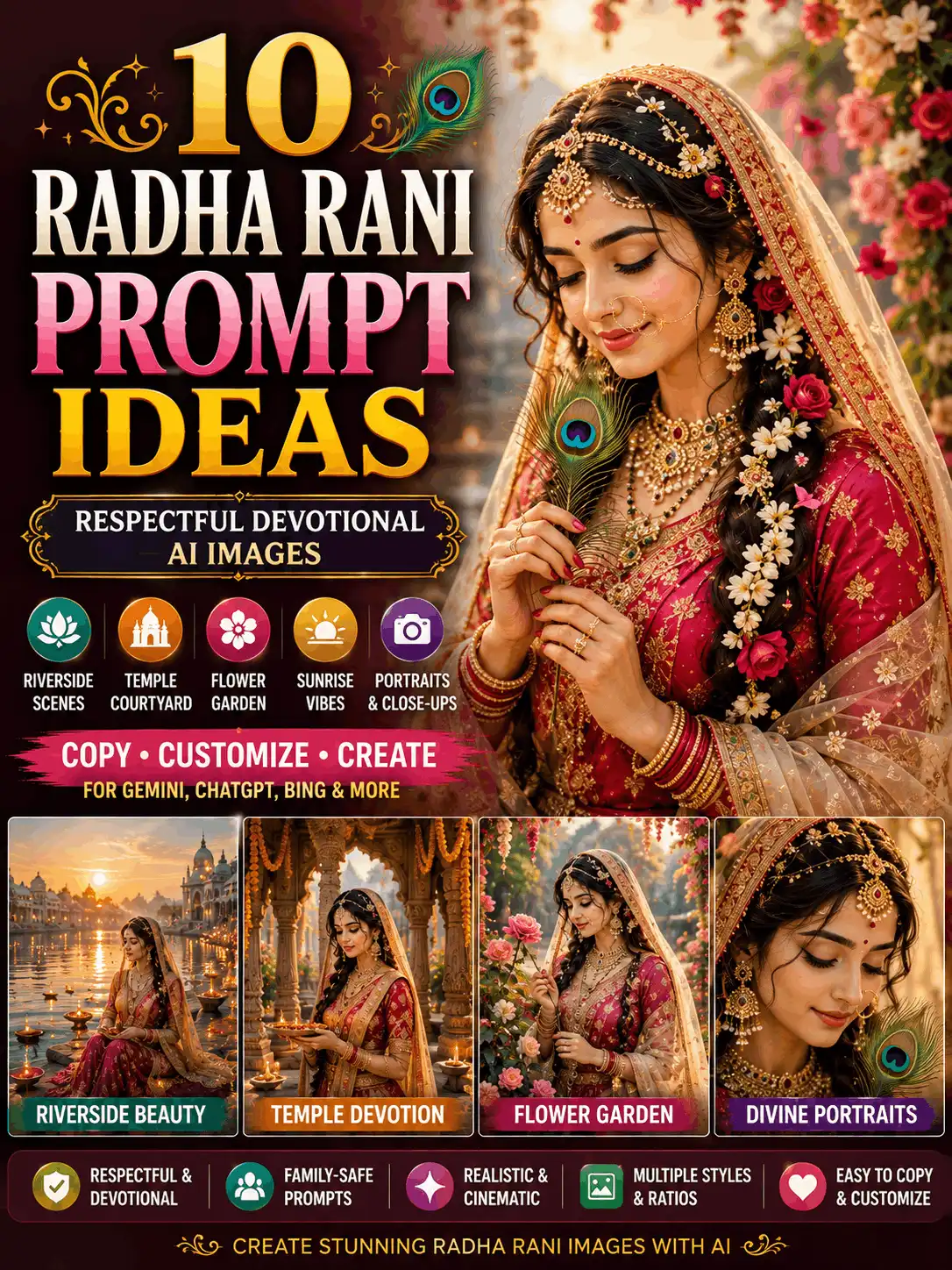
Indian Festival Portrait Prompt
| ORIGINAL IMAGE INSERTION POINT: Add the manually reviewed result generated from the exact prompt below. Record the mode/model shown, account state, test date, ratio and one honest result note. |
| Create a respectful festive portrait of an adult Indian woman wearing a teal silk saree with modest gold jewellery in a decorated heritage courtyard. Use warm lamps, flower garlands, natural fabric folds, realistic skin texture and soft golden-hour light. Keep cultural details coherent and family-friendly. Use a 3:4 editorial composition with no generated headline text, brand marks, distorted hands, duplicated jewellery or unrelated religious symbols. |
| Best for | Respectful seasonal or celebration visuals using generic adult subjects. |
| Customize | Festival, regional clothing, decorations, setting, light and color palette. |
| Suggested ratio | 3:4 |
| Review | Review cultural accuracy, jewellery symmetry, hands, fabric folds and any generated signs or lettering. |
| Test status | Illustrative prompt – label as tested only after AskExclusive generates and reviews the matching output. |
3D Social Profile Concept
| ORIGINAL IMAGE INSERTION POINT: Add the manually reviewed result generated from the exact prompt below. Record the mode/model shown, account state, test date, ratio and one honest result note. |
| Create an original 3D avatar-style portrait of an adult creator with friendly expression, clean modern clothing and a simple teal-and-gold geometric background. Use polished but realistic materials, soft studio lighting, clear facial proportions and a square 1:1 composition. Leave subtle empty space for text to be added manually. Do not include social-media logos, copied app interfaces, usernames, watermarks, random letters or celebrity features. |
| Best for | Stylized avatars, profile cards and social graphics without copied platform branding. |
| Customize | Adult subject, palette, props, background geometry and empty headline space. |
| Suggested ratio | 1:1 |
| Review | Check that the design is original, text-free, not platform-branded and free of distorted facial features. |
| Test status | Illustrative prompt – label as tested only after AskExclusive generates and reviews the matching output. |
Generic Product Hero Image Prompt
| ORIGINAL IMAGE INSERTION POINT: Add the manually reviewed result generated from the exact prompt below. Record the mode/model shown, account state, test date, ratio and one honest result note. |
| Create a premium product hero image of a fictional unbranded ceramic travel mug on a matte stone surface. Use a soft beige background, one small plant leaf, side lighting, realistic ceramic texture, a believable contact shadow and a close three-quarter camera angle. Use a clean 1:1 composition with no labels, certification marks, prices, logos, misleading claims, duplicate objects or random text. |
| Best for | Fictional products, craft displays and layout testing. |
| Customize | Object, material, surface, background, props, reflections and camera angle. |
| Suggested ratio | 1:1 or 4:5 |
| Review | Inspect object shape, contact shadow, reflections, repeated props and invented label text. |
| Test status | Illustrative prompt – label as tested only after AskExclusive generates and reviews the matching output. |
Cinematic Landscape Wallpaper Prompt
| ORIGINAL IMAGE INSERTION POINT: Add the manually reviewed result generated from the exact prompt below. Record the mode/model shown, account state, test date, ratio and one honest result note. |
| Create a cinematic wide landscape of a misty mountain valley at sunrise with a narrow river, pine-covered slopes and warm light breaking through cool clouds. Use realistic atmospheric depth, natural colors, detailed terrain and a balanced 16:9 composition. Do not imitate a named living artist, add people, buildings, logos, text, watermarks or impossible duplicated landmarks. |
| Best for | Wide wallpapers, blog backgrounds and safe text-free scenic images. |
| Customize | Location type, weather, season, time of day, palette and atmosphere. |
| Suggested ratio | 16:9 |
| Review | Check horizon, repeated terrain, unnatural light rays and hidden text-like shapes. |
| Test status | Illustrative prompt – label as tested only after AskExclusive generates and reviews the matching output. |
WhatsApp Sharing Card Visual Prompt
| ORIGINAL IMAGE INSERTION POINT: Add the manually reviewed result generated from the exact prompt below. Record the mode/model shown, account state, test date, ratio and one honest result note. |
| Create a clean vertical sharing-card visual showing a realistic adult Indian creator holding a sketchbook in a bright modern studio. Place the subject in the lower-right area and leave clear uncluttered space in the upper-left for a headline to be added manually. Use balanced daylight, modern editorial quality, natural skin and a 9:16 composition with generous safe margins. No generated text, WhatsApp logo, copied interface, phone number, watermark or misleading endorsement. |
| Best for | A text-free image that can be finished manually as a Status or share card. |
| Customize | Subject, mood, empty text area, safe margins, background and palette. |
| Suggested ratio | 9:16 |
| Review | Confirm safe margins, empty headline space, no platform marks, no personal information and accurate hands. |
| Test status | Illustrative prompt – label as tested only after AskExclusive generates and reviews the matching output. |
Can Bing Image Creator Be Used with WhatsApp?
The safe answer is that an image created on Bing can be saved and shared through the phone’s normal WhatsApp share workflow. Do not describe an official Bing Image Creator WhatsApp bot or integration unless Microsoft publishes first-party confirmation.
1. Create the image on the official Bing website or Bing app.
2. Review the result and remove anything misleading, unsafe or private.
3. Save the image to the device using the available Bing control.
4. Open the phone’s share menu or WhatsApp and select the intended chat or Status.
5. Add accurate text manually. Do not claim that the image or account is endorsed by Microsoft or WhatsApp.
Be cautious with unofficial bots and websites that use Microsoft branding. They may have different privacy rules, costs or safety controls.
Common Problems and Fixes
| Problem | Likely reason | Safe next step |
| Guest limit reached | The daily guest allowance or capacity is exhausted. | Sign in with a personal Microsoft Account or wait for the daily reset shown by Bing. |
| No Fast creations left | The current free Fast allotment has been used. | Switch to Standard if offered, wait for refresh or follow a current Rewards option shown in the interface. |
| Standard generation is slow | Standard mode can be capacity-dependent. | Keep the page open, avoid duplicate submissions and try again later if the service reports high demand. |
| Work or school account fails | Microsoft Entra ID is not supported for the consumer Image Creator experience. | Use a personal Microsoft Account instead. |
| Image Creator unavailable | Region, account eligibility, service load or temporary outage. | Check the official page, confirm region/account details and retry later; do not use unofficial mirror sites. |
| Prompt is blocked or under review | The request may conflict with the content policy or require safety review. | Rewrite the prompt to remove unsafe or deceptive elements; do not attempt to bypass safety controls. |
| Text is misspelled | Image models may render text inconsistently. | Generate a text-free visual and add accurate wording manually in a design editor. |
| Unexpected people or objects | The prompt is vague or contains conflicting instructions. | Specify the exact person/object count, simplify the scene and add only relevant exclusions. |
Safety, Privacy and Usage Rules
- Use the official Microsoft/Bing pages for sign-in and creation.
- Do not upload a private person’s photograph without consent or include sensitive personal data in a prompt.
- Follow the current Bing Image Creator content policy; do not try to bypass a safety block.
- Avoid celebrity impersonation, deceptive political or public-interest media, sexual content, hateful content and harmful instructions.
- Do not use copied logos, counterfeit product branding or fake certification marks in examples.
- Check the current terms before making commercial-use claims. Microsoft does not guarantee that every creation is free of third-party rights.
- Label AI-generated examples and disclose material edits.
| INDEPENDENCE DISCLOSURE: AskExclusive is not Microsoft and is not claiming official affiliation, sponsorship or endorsement. |
Frequently Asked Questions
Is Bing Image Creator free without signing in?
Limited guest creation may be available in the live interface, but guest access is capacity-limited and can change. Signing in with a personal Microsoft Account unlocks the normal creation workflow and additional models or features shown for the account. Verify the current guest message before publishing a fixed limit.
How many images can I create for free?
On 3 August 2026, the live Bing page displayed 10 free creations in Fast mode and unlimited creations in Standard mode for signed-in users. Treat these as date-stamped interface details, not permanent limits, because Microsoft can change them.
What happens after I use the Fast creations?
The interface may let you continue in Standard mode, wait for a refresh or use a currently offered Microsoft Rewards option. Follow the choices shown in your own account and avoid old articles that refer to outdated boost numbers.
Do I need a Microsoft account?
A personal Microsoft Account is the supported sign-in method described by Microsoft. The official feature page states that Microsoft Entra ID work or school accounts are not supported for this consumer tool.
Can I use Bing Image Creator on a phone?
Yes, the official Microsoft guidance points users to the Bing creation website or the Bing mobile app. Interface labels and available creation options can differ by device, account and region, so screenshots should be captured on the publication date.
Is there an official Bing Image Creator WhatsApp bot?
Do not assume there is an official WhatsApp integration. A safe workflow is to create the image on the official Bing site or app, save it and share it using the phone’s normal share menu. Avoid unofficial bots or pages that imply Microsoft affiliation without first-party proof.
What is the correct Bing Image Creator website?
Use Microsoft’s official Bing Image Creator pages. The article should link directly to the official Microsoft feature page and the Bing creation page rather than reproducing or imitating the interface.
Why do people search for “wing ai image creator” or “ping ai image generator”?
Those phrases can be misspellings or voice-typing errors for Bing Image Creator. Use the official product name in factual guidance and keep the typo variations on one canonical page rather than creating several near-duplicate articles.
Can I use generated images commercially?
Do not give a blanket legal guarantee. Review the current Bing Image Creator terms, Microsoft Services Agreement and any third-party rights that may apply to the prompt, subject, trademarks or intended use. The official terms expressly avoid guaranteeing that a creation will not infringe third-party rights.
Related Tools and Next Steps
Use the Image Generators hub for other creation tools. The 3D Image Creator Instagram page owns the dedicated 3D social use case, while Bing AI Image Creator , 3D WhatsApp covers that narrower sharing concept. Use Image to Prompt when the goal is to describe an existing visual rather than generate a new one.
- AI Image Tools and Generators
- Image Generators
- 3D Image Creator Instagram
- Bing AI Image Creator 3D WhatsApp
- Image to Prompt
- Image with Prompt
Official Sources and Verification Notes
| Official source | What to verify |
| Microsoft Bing Image Creator feature page | Free access with a personal Microsoft Account; Entra work/school account caveat; official access guidance. |
| Live Bing Image Creator page | Current guest messaging, Fast and Standard mode wording, model/interface availability and service errors. |
| Bing Image Creator Terms of Use | Terms last updated March 2026 and conditions governing creations. |
| Bing Image Creator Content Policy | Safety restrictions and prohibited harmful or deceptive uses. |
| Microsoft Privacy Statement | How Microsoft describes data collection and processing for Bing services, including image-enabled experiences. |
These sources were reviewed on 3 August 2026. Link to them beside changing claims, quote minimally and summarize their guidance. If the live interface conflicts with an older screenshot or secondary article, update the page based on the current first-party source.
About the Author
Swetha – AI Prompt Creator and Digital Content Specialist
Swetha is an MCA graduate with five years of experience in blogging, YouTube and social media, plus two years of experience in AI prompt creation. She creates and reviews practical AI image prompts and beginner-friendly tool guides for AskExclusive.
Review line: Written and manually reviewed by Swetha.
| AI IMAGE DISCLOSURE: Label every generated example accurately. Screenshots must be current and must not expose personal information. Results, access and limits can vary by account, region, service load and future product updates. |