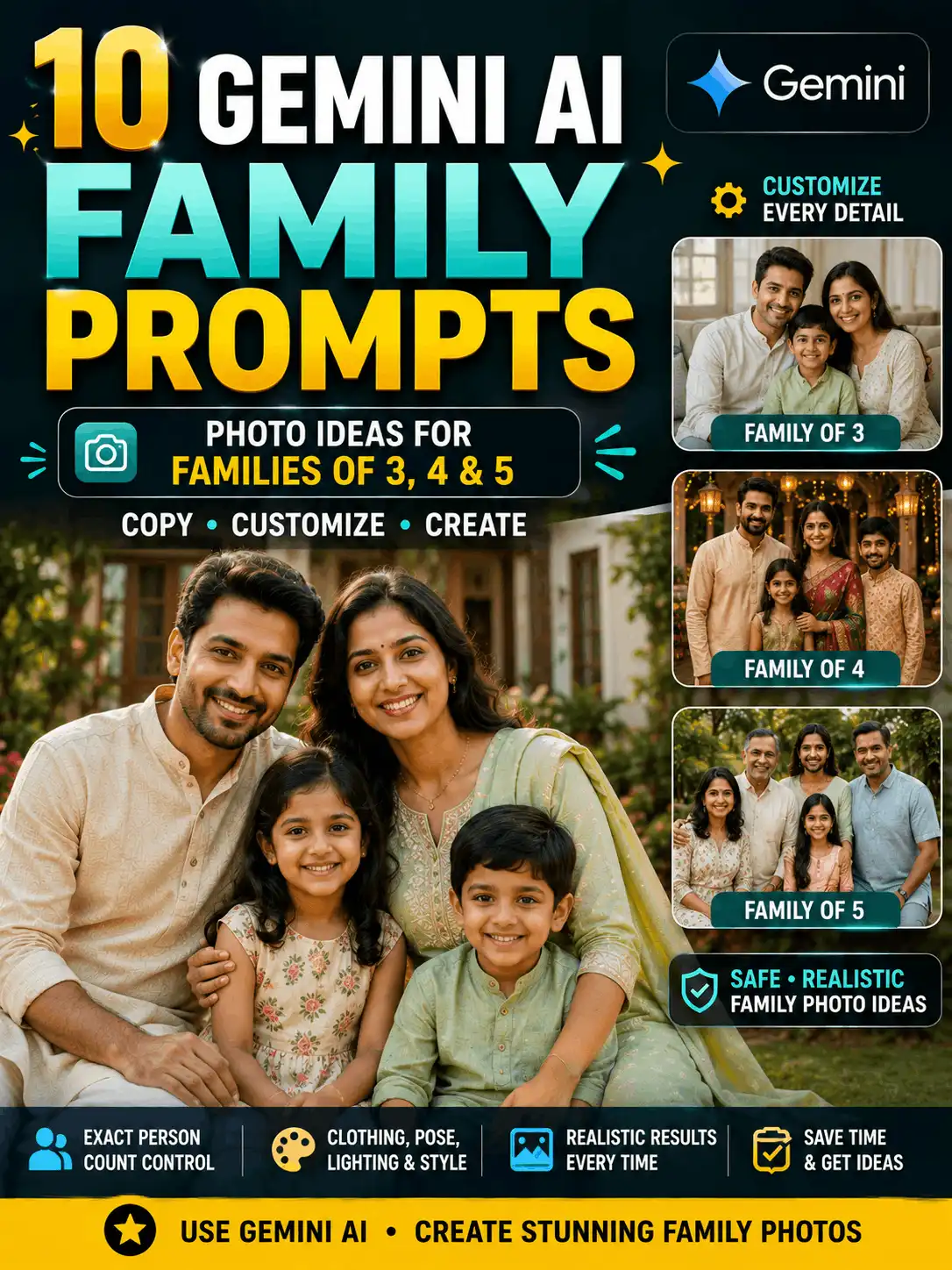

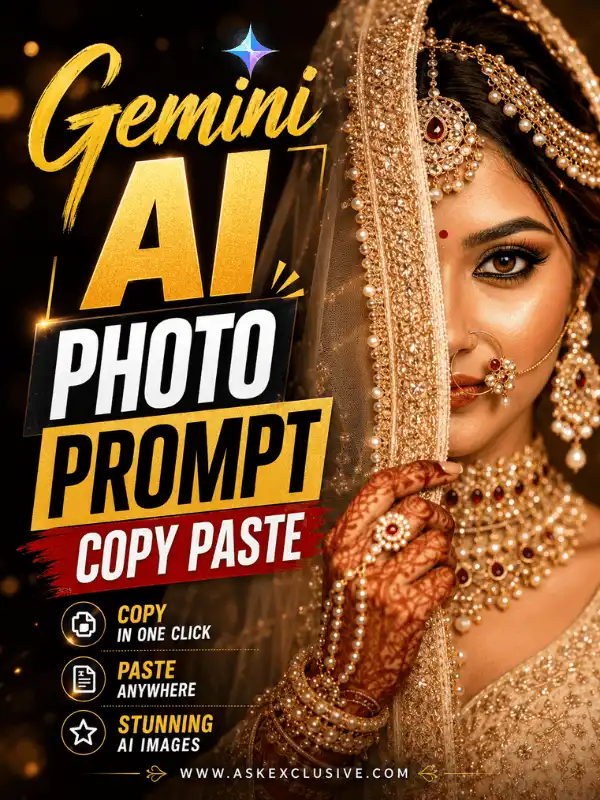
Gemini AI Photo Prompt Copy Paste: Realistic Image Ideas
Looking for a Gemini AI photo prompt copy paste collection that is easy to customize? This pillar guide brings together realistic portraits, traditional Indian looks, couple photos, family scenes, cinematic concepts, professional profile pictures, festival images and social-media compositions in one place. Start with a ready-made prompt, then replace the subject, clothing, pose, location, lighting, camera style and image ratio with details that match your idea. The examples are written mainly for generating new images. For edits to an uploaded photograph, use the dedicated Gemini photo-editing guide so the two search intents stay clear. Gemini features, interfaces and results can vary by account, country, language, plan, model and the wording of your prompt. Review every image before publishing it.
| Quick Answer: What Is a Gemini AI Photo Prompt? A Gemini AI photo prompt is a written visual instruction that tells Gemini what image to create. A useful copy-paste prompt usually describes the subject, clothing, pose, expression, background, lighting, camera angle, visual style, image ratio and quality requirements. Copy an example below, change the important details and generate a new version that fits your purpose. |
Five Quick Gemini AI Photo Prompts to Copy
These five examples cover common starting points. Copy the closest prompt and replace the creative details before generating your image.
| REALISTIC PORTRAIT Realistic Indian Woman Portrait Best result: A natural editorial portrait with realistic skin and fabric details. Create a realistic editorial portrait of an adult Indian woman standing in a heritage courtyard during soft golden-hour light. Dress her in an elegant teal silk saree with subtle gold jewellery and jasmine flowers in her naturally styled hair. Show a calm, confident expression, realistic skin texture, accurate hands, detailed fabric, shallow depth of field and professional 85mm portrait photography. Use a clean 4:5 composition with no text, logo or watermark. Customize: Outfit colour, hairstyle, jewellery, courtyard style and lighting. Suggested ratio: 4:5 |
| PROFESSIONAL PROFILE Professional Indian Man Profile Photo Best result: A clean profile image suitable for a portfolio or professional social account. Create a clean professional portrait of an adult Indian man looking directly toward the camera. Dress him in a well-fitted navy blazer over a light shirt. Use a softly blurred modern office background, balanced studio lighting, natural skin texture, detailed hair, sharp eyes and a friendly confident expression. Keep the framing from the chest upward, leave comfortable headroom and use realistic corporate portrait photography in a 4:5 ratio. Customize: Shirt, blazer, office background, expression and crop. Suggested ratio: 4:5 |
| COUPLE PORTRAIT Romantic Adult Couple Garden Photo Best result: A warm, family-safe romantic portrait of two adults. Create a warm romantic portrait of an adult Indian couple standing together in a flower-filled garden at sunset. Dress them in coordinated elegant outfits and show relaxed, natural expressions. Let them hold hands while looking slightly toward each other. Add soft golden light, gentle background blur, realistic skin texture, accurate hands, detailed clothing and professional lifestyle photography. Use a balanced 4:5 composition and avoid random text or duplicate people. Customize: Outfits, garden flowers, pose, time of day and mood. Suggested ratio: 4:5 |
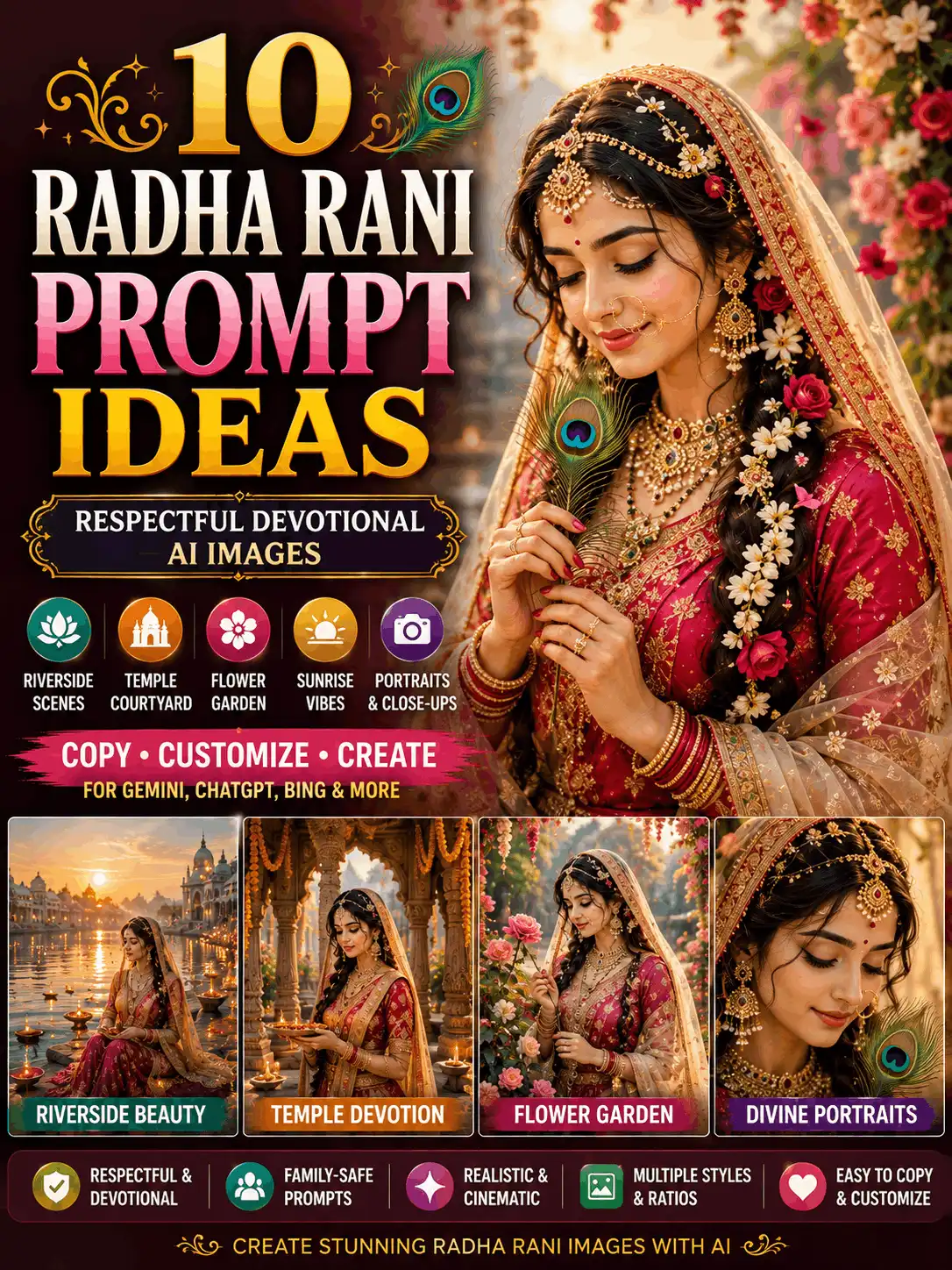
| TRADITIONAL FASHION Traditional Saree Photo Best result: A graceful cultural portrait with detailed clothing and jewellery. Create a graceful full-length portrait of an adult South Indian woman wearing a rich royal-blue silk saree with a detailed gold border, matching blouse, traditional temple jewellery, bangles and jasmine flowers in a long braid. Place her in a carved temple courtyard during warm morning light. Show natural body proportions, realistic fabric folds, accurate hands and feet, respectful styling and premium traditional photography in a 3:4 ratio. Customize: Saree fabric, colour, jewellery, flowers and architecture. Suggested ratio: 3:4 |
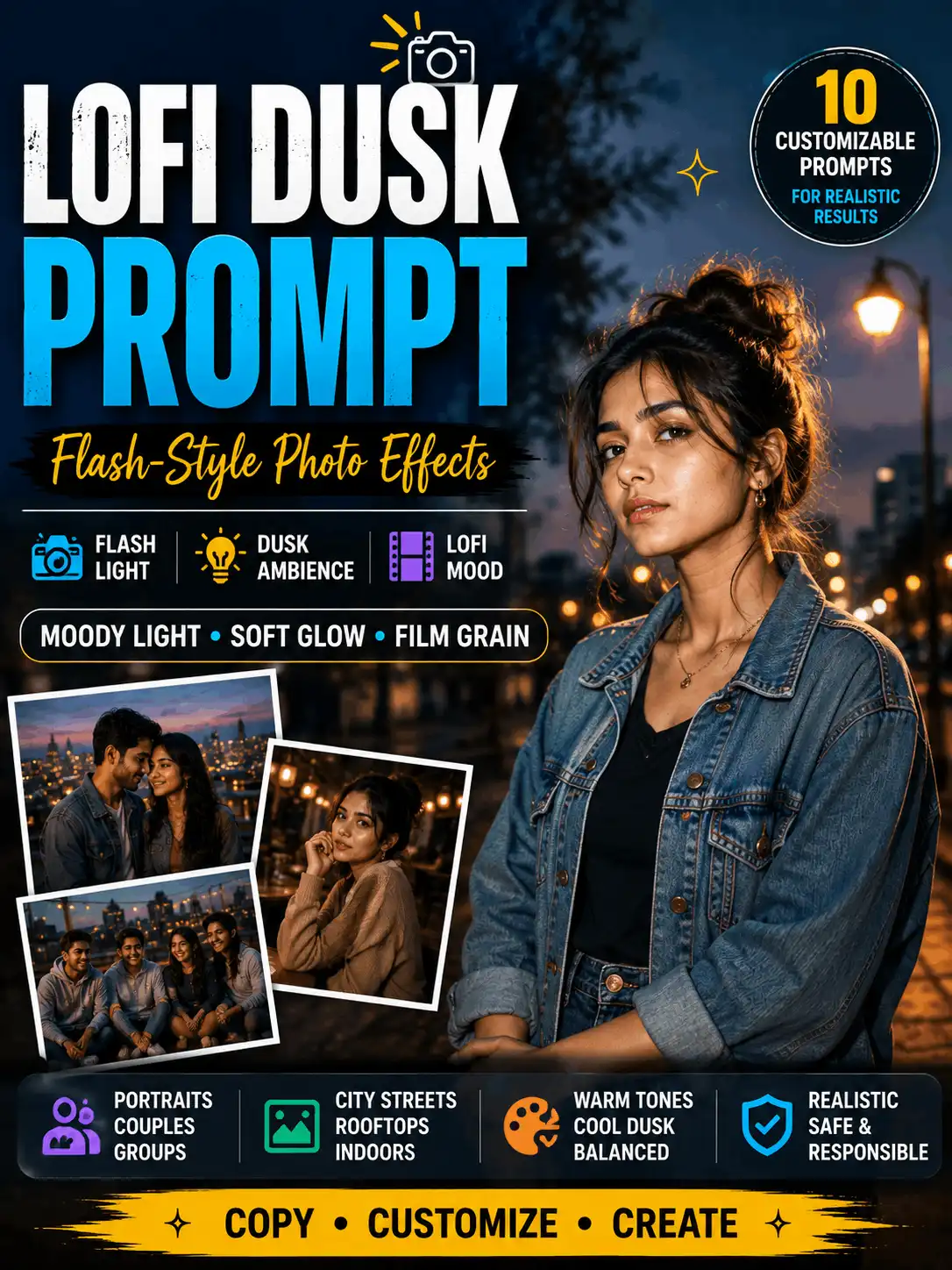
| CINEMATIC PORTRAIT Cinematic Rooftop Creator Portrait Best result: A modern social-media portrait with city atmosphere. Create a cinematic portrait of an adult Indian content creator standing on a city rooftop during blue hour. Use fashionable but natural clothing, a relaxed confident pose and direct eye contact. Add softly glowing city lights, subtle atmospheric depth, realistic skin texture, clean colour grading, gentle rim lighting and shallow depth of field. Keep the subject dominant, leave clear negative space and use premium editorial photography in a 4:5 ratio. Customize: Clothing, skyline, light colour, pose and cinematic mood. Suggested ratio: 4:5 |
What Makes a Useful Gemini AI Photo Prompt?
A strong Gemini photo prompt works like a compact creative brief. It does more than name a person or location; it explains how the scene should be composed and what visual result the user expects. The clearer the relationships between the subject, pose, environment and light, the easier it is for an image model to interpret the request.
For a new image, describe the subject in general terms rather than trying to reproduce a private person without permission. State whether the person is an adult, explain the clothing and pose, and add the setting, light, photographic style and ratio. Use quality instructions only when they add useful control. A long list of unrelated adjectives usually makes the prompt harder to follow.
This page focuses on broad Gemini AI photo prompts that users can copy and customize. Highly specific collections, such as wedding couples, traditional couples or uploaded-photo editing, should remain on their own supporting pages.
Can Gemini Create and Edit Images?
Gemini Apps can generate images from written instructions. Google’s current help documentation also describes options for editing an image generated in Gemini, uploading an image for editing and using more than one uploaded image as part of a new creation. The exact buttons, model labels, account requirements and availability can change, so verify the current interface before publishing step-by-step screenshots.
For this pillar page, the most stable workflow is simple: open Gemini, enter a detailed image prompt, generate the image, review the result and request one focused revision if necessary. When working with an uploaded photo, state both the requested change and the details that must remain unchanged. Use only photos you own or have permission to upload.
| Current-platform note: Google states that Gemini Apps can generate images and provides workflows for editing generated or uploaded images. Availability and requirements can change. Open Google’s current Gemini image help page |
Simple Gemini AI Photo Prompt Formula
| Formula: Subject + appearance + clothing + pose + expression + setting + lighting + camera/composition + visual style + image ratio + quality checks |
Start with the visual subject and build outward. The subject, pose and setting should be easy to understand in one reading. Add the photography style and ratio near the end. A useful prompt can be detailed without repeating the same idea in several different ways.
How to Use a Gemini AI Photo Prompt
Step 1 — Choose the image purpose
Decide whether you need a profile picture, traditional portrait, couple image, family photo, festival post, Reel cover or blog featured image. The purpose determines the best framing and ratio.
Step 2 — Copy a relevant prompt
Select the closest example from the prompt library. Starting with a focused category is more useful than choosing the longest prompt.
Step 3 — Replace the important details
Change the subject description, clothing, colours, pose, background, lighting and image ratio. Keep the sentences clear and remove details that do not match your idea.
Step 4 — Generate and inspect the image
Check faces, hands, fingers, body proportions, clothing, jewellery, repeated objects, background perspective and random text. Do not publish the first result automatically.
Step 5 — Request one targeted revision
When something is wrong, identify the exact problem. For example: ‘Keep the composition unchanged and correct only the left hand.’ Small revisions are usually clearer than rewriting the entire scene.
20 Gemini AI Photo Prompts for Different Styles
The first five prompts appear above for faster access. The library below adds wedding, family, travel, festival, fashion, devotional and content-creator ideas.
| WEDDING PORTRAIT Indian Wedding Couple Portrait Best result: A polished wedding concept for an adult bride and groom. Create a realistic Indian wedding portrait of an adult bride and groom standing inside an elegant flower-decorated wedding venue. Dress them in coordinated traditional wedding attire with detailed embroidery and tasteful jewellery. Show warm natural expressions, accurate hands, realistic skin texture and balanced ceremonial lighting. Include soft floral depth in the background and professional wedding photography. Use a 4:5 ratio with no brand names, text or watermarks. Customize: Regional attire, flower decoration, pose, jewellery and venue. Suggested ratio: 4:5 |
| FAMILY PORTRAIT Natural Family Portrait Best result: A warm group photograph with clear faces and natural positioning. Create a warm realistic portrait of an Indian family spending time together in a bright garden veranda. Arrange the family naturally with comfortable spacing and relaxed smiles. Use coordinated pastel clothing without making every outfit identical. Add soft morning light, realistic skin texture, accurate hands, clear facial details, natural body proportions and professional family photography. Keep every person fully visible and use a balanced 4:5 composition. Customize: Number of family members, outfits, location and seating arrangement. Suggested ratio: 4:5 |
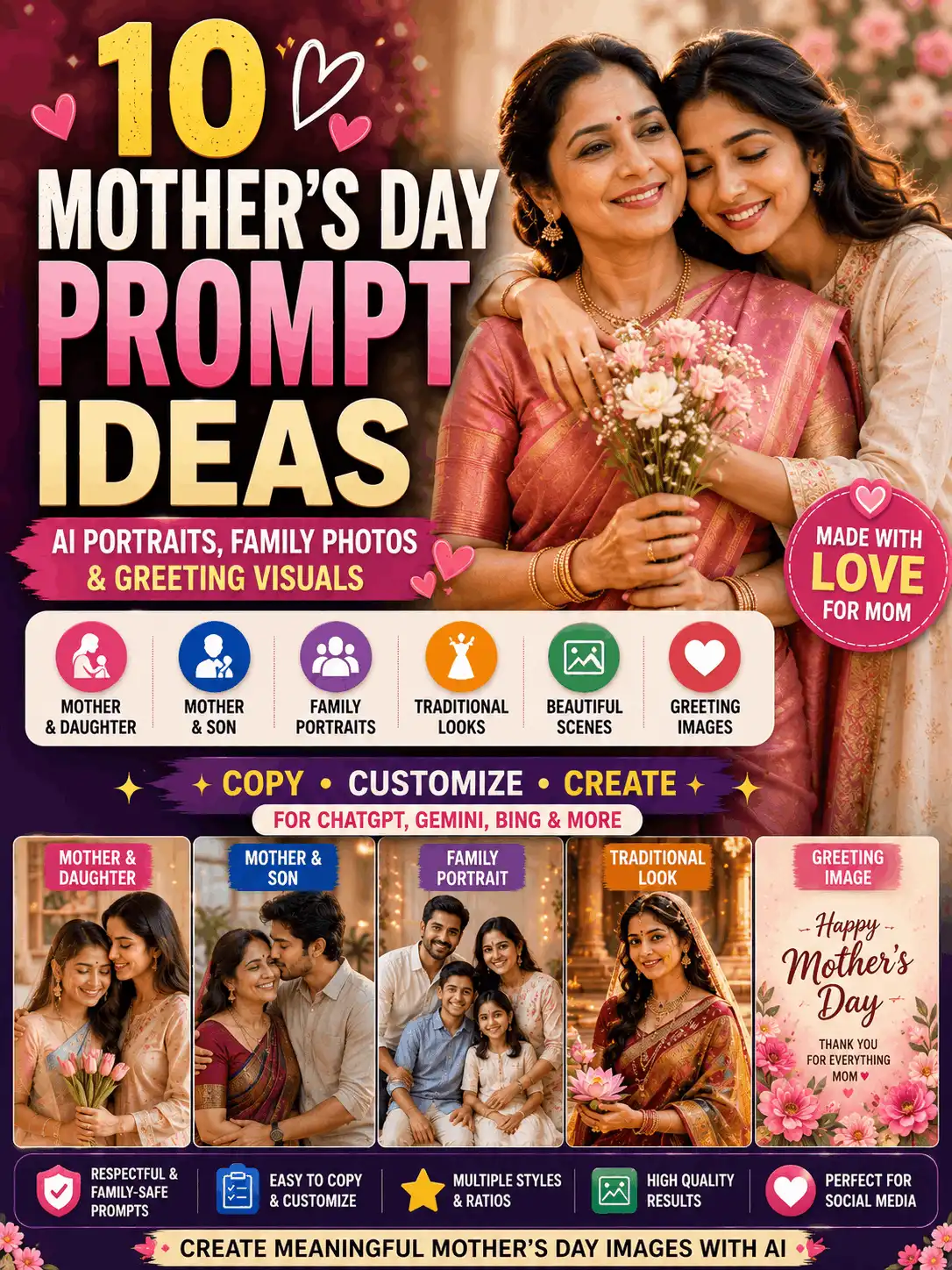
| PARENT AND CHILD Mother and Child Lifestyle Photo Best result: A gentle, age-appropriate family lifestyle image. Create a gentle lifestyle portrait of an adult Indian mother sitting beside her young child in a sunlit reading corner. Show a natural affectionate moment as they look at a colourful picture book together. Use comfortable modest clothing, age-appropriate features, realistic skin texture, accurate hands, soft window light, warm neutral colours and documentary-style family photography. Keep the scene safe, natural and uncluttered in a 4:5 ratio. Customize: Child age range, clothing, indoor or outdoor location and activity. Suggested ratio: 4:5 |
| MEN’S TRADITIONAL FASHION Traditional Indian Man Portrait Best result: A refined festive portrait for an adult man. Create an elegant full-length portrait of an adult Indian man wearing a cream silk kurta, tailored churidar and a deep maroon embroidered shawl. Place him in a heritage palace corridor with carved arches and soft morning light. Show a composed expression, natural posture, realistic skin and hair, accurate hands, detailed fabric texture and premium traditional editorial photography. Use a clean 3:4 ratio. Customize: Kurta colour, shawl, architecture, hairstyle and accessories. Suggested ratio: 3:4 |
| VINTAGE PHOTOGRAPHY Vintage Café Portrait Best result: A warm retro portrait inspired by classic film photography. Create a realistic vintage-style portrait of an adult Indian person sitting beside a café window in a classic 1970s-inspired interior. Use a simple retro outfit, warm brown and amber tones, soft directional window light, natural film grain and a calm thoughtful expression. Add detailed facial features, authentic furniture, gentle background blur and editorial film photography in a 3:4 ratio. Customize: Decade, clothing, café décor, film grain and colour palette. Suggested ratio: 3:4 |
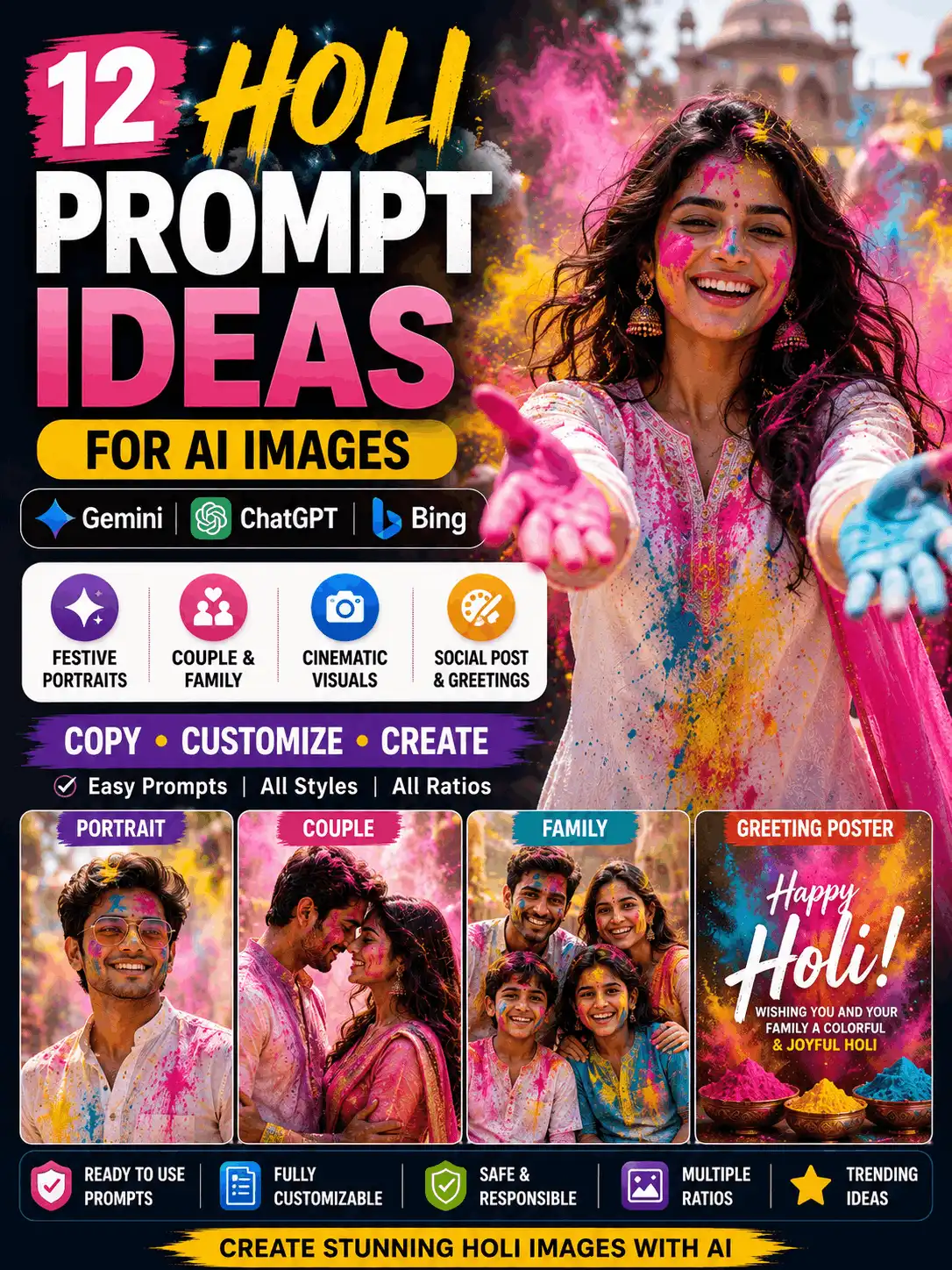
| FESTIVAL PHOTO Diwali Festival Portrait Best result: A bright but balanced festive portrait with traditional details. Create a festive portrait of an adult Indian woman standing beside a colourful rangoli during Diwali evening. Dress her in an elegant magenta traditional outfit with tasteful gold jewellery. Add glowing diyas at a safe distance, warm decorative lights, flower garlands and a softly blurred courtyard. Use realistic skin texture, accurate hands, balanced highlights, natural shadows and premium festival photography in a 4:5 ratio. Customize: Outfit, diya placement, rangoli colours, jewellery and location. Suggested ratio: 4:5 |
| OUTDOOR PORTRAIT Beach Golden-Hour Portrait Best result: A relaxed travel-style portrait with natural seaside lighting. Create a realistic outdoor portrait of an adult Indian woman walking along a quiet beach during golden hour. Dress her in a flowing pastel outfit and show a relaxed natural smile. Add gentle sea breeze, soft waves, warm sunlight, subtle reflections on wet sand, realistic skin texture and natural fabric movement. Use professional travel photography, shallow depth of field and a 4:5 composition. Customize: Outfit, beach type, walking or standing pose and weather. Suggested ratio: 4:5 |
| MOODY CINEMATIC Rainy City Street Portrait Best result: An atmospheric portrait with rain, reflections and controlled contrast. Create a cinematic portrait of an adult Indian man standing beneath a transparent umbrella on a rain-washed city street at night. Use a dark casual jacket, a calm expression and natural posture. Add realistic raindrops, wet-road reflections, soft shop lights, atmospheric depth and balanced blue-and-warm colour grading. Preserve realistic skin texture, accurate hands and believable shadows in a 4:5 ratio. Customize: City, umbrella, outfit, rain intensity and colour grade. Suggested ratio: 4:5 |
| FASHION PORTRAIT Studio Fashion Editorial Best result: A clean high-end studio fashion image. Create a high-end studio fashion portrait of an adult Indian model wearing a structured emerald-green outfit with minimal accessories. Use a simple textured neutral backdrop, confident body language and clean editorial styling. Add soft key light, subtle rim light, realistic skin texture, sharp garment detail, accurate hands and balanced shadows. Keep the composition premium and uncluttered in a 4:5 ratio. Customize: Garment, backdrop colour, pose, accessories and lighting setup. Suggested ratio: 4:5 |
| TRAVEL PHOTO Mountain Travel Portrait Best result: A wide environmental portrait that shows both subject and landscape. Create a realistic environmental portrait of an adult Indian traveller standing on a safe mountain viewpoint at sunrise. Dress the subject in a practical earth-tone jacket and casual travel clothing. Show a natural confident pose, distant layered mountains, soft mist and warm early light. Use realistic skin and clothing texture, accurate proportions, crisp landscape detail and professional travel photography in a 3:4 ratio. Customize: Mountain region, jacket, season, pose and weather. Suggested ratio: 3:4 |
| AESTHETIC SOCIAL PHOTO Modern Mirror Selfie Concept Best result: A polished mirror-selfie style image without visible brand logos. Create a realistic mirror-selfie style portrait of an adult Indian woman in a clean modern bedroom. Use a fashionable casual outfit, natural posture and a softly confident expression. Show a simple unbranded phone, balanced room décor, warm daylight, realistic mirror reflections, accurate hands and natural skin texture. Keep the background tidy, avoid duplicated objects and use a 4:5 social-media composition. Customize: Room, phone style, outfit, mirror shape and colour palette. Suggested ratio: 4:5 |
| CELEBRATION PHOTO Elegant Birthday Portrait Best result: A tasteful birthday image with space for optional added text later. Create an elegant birthday portrait of an adult Indian woman standing beside a small decorated cake in a softly lit indoor celebration setting. Dress her in a refined pastel outfit and show a joyful natural expression. Add tasteful balloons, warm fairy lights, gentle background blur, realistic skin texture and accurate hands. Leave clean negative space near the top for text to be added later. Use a 4:5 ratio and do not generate words inside the image. Customize: Age-appropriate adult styling, cake colours, decorations and outfit. Suggested ratio: 4:5 |
| DEVOTIONAL PORTRAIT Peaceful Devotional Portrait Best result: A respectful spiritual portrait with calm temple atmosphere. Create a respectful devotional portrait of an adult Indian woman standing quietly in a traditional temple courtyard at sunrise. Dress her in a modest cream-and-red saree with simple jewellery and jasmine flowers. Show a peaceful expression and natural posture. Add soft golden rays, flower garlands, distant lamps, realistic skin texture, accurate hands and detailed architecture. Use serene editorial photography in a 3:4 ratio. Customize: Traditional outfit, temple architecture, flowers, lighting and pose. Suggested ratio: 3:4 |
| PERSONAL-BRAND IMAGE Creator Desk Lifestyle Photo Best result: A modern workspace portrait for a blogger or digital creator. Create a realistic lifestyle photo of an adult Indian digital creator working at a clean desk in a bright home studio. Show the creator reviewing visual ideas on an unbranded laptop, with a notebook, camera and small plant nearby. Use natural window light, relaxed concentration, realistic skin and hands, balanced workspace details and professional personal-brand photography. Use a clean 16:9 composition with room for a blog headline. Customize: Desk items, laptop colour, clothing, wall décor and brand palette. Suggested ratio: 16:9 |
| BLOG AND SOCIAL COVER High-CTR Blog Featured Image Best result: A clean, attention-focused featured image without generated headline text. Create a premium blog featured image about AI photo prompts. Show one realistic adult Indian creator as the main subject, surrounded by three subtle visual examples representing a traditional portrait, a cinematic city portrait and a professional profile photo. Use a clean modern composition, strong visual hierarchy, balanced contrast and realistic editorial quality. Leave clear space on the left for a headline to be added manually. Use a 16:9 ratio with no generated text, logos or watermarks. Customize: Main subject, supporting visual panels, background and brand colours. Suggested ratio: 16:9 |
How to Customize a Gemini Photo Prompt
Subject
State whether the image shows one adult, an adult couple, a family or a group. Add a general age range, hairstyle, expression and body position when relevant. Avoid unnecessary personal identifiers.
Clothing
Name the outfit, main colour, fabric, jewellery and accessories. For traditional clothing, mention the regional or ceremonial style only when it matters to the image.
Pose and expression
Explain whether the subject is standing, sitting, walking, looking at the camera, looking away or interacting with another person. Pair the pose with a clear expression such as calm, joyful or confident.
Background
Use a specific environment: heritage courtyard, garden, beach, studio, café, city rooftop, temple courtyard or mountain viewpoint. Add only a few supporting objects so the scene stays readable.
Lighting
Choose one primary lighting idea, such as soft morning light, golden hour, studio lighting, moonlight, warm indoor light or cinematic evening light. Conflicting light sources can make the result look artificial.
Camera and composition
Use terms such as close-up, waist-up, full-length, environmental portrait, eye-level angle, shallow depth of field or editorial framing. Leave negative space when text will be added later.
Image ratio
Use 1:1 for square posts, 4:5 for portrait feeds, 9:16 for Stories and Reels, 3:4 for classic portraits and 16:9 for blog covers. The platform may not follow every ratio perfectly, so crop carefully after generation.
Gemini Photo-Prompt Comparison
| Prompt type | Best for | Suggested ratio | Important details |
| Realistic portrait | Profile pictures and personal branding | 4:5 | Natural skin, clean light, clear eyes |
| Traditional portrait | Festivals and cultural fashion | 3:4 or 4:5 | Fabric, jewellery, respectful setting |
| Adult couple | Romantic and wedding concepts | 4:5 | Two clear adult subjects, natural hands |
| Family portrait | Family posts and keepsakes | 4:5 | Comfortable spacing, visible faces |
| Cinematic portrait | Covers and creative social posts | 4:5 or 9:16 | Atmosphere, colour grade, focal point |
| Travel portrait | Destination and lifestyle content | 3:4 or 4:5 | Subject plus readable landscape |
| Blog featured image | Articles and landing pages | 16:9 | Negative space, strong hierarchy, no generated text |
Need to Edit an Uploaded Photo?
This pillar is designed mainly for creating new photo-style images. Uploaded-photo editing has a different intent because the prompt must explain what should change and what must remain unchanged. Keeping the detailed editing collection on one separate canonical page reduces repetition and helps readers reach the correct guide.
| REFERENCE-PHOTO EDITING Simple Identity-Preservation Editing Prompt Best result: A controlled background change while protecting the original subject. Edit the uploaded portrait by changing only the background to a softly blurred heritage courtyard. Keep the person’s original face, age, skin tone, hairstyle, expression, clothing, pose, hands and body proportions unchanged. Match the new background with realistic perspective, natural shadows and consistent lighting. Avoid face reshaping, plastic skin, duplicate objects, random text, logos and watermarks. Customize: New background, lighting and the exact elements that must remain unchanged. Suggested ratio: Original image ratio |
Important: Use only a photo you own or have permission to edit. Exact identity preservation is not guaranteed. Read the complete Google Gemini AI Photo Editing Prompts guide
Common Gemini Photo-Prompt Mistakes
Using a vague request
‘Create a beautiful photo’ does not explain the subject, setting, light or style. Add the details that affect the final image.
Adding too many conflicting styles
Do not combine photorealistic photography, cartoon illustration, oil painting and 3D animation unless a deliberate mixed-media result is required.
Copying without customizing
Change several meaningful details so the result reflects your own idea rather than becoming a generic duplicate.
Forgetting the image ratio
A portrait made for a Reel needs different framing from a blog cover. Choose the ratio before generating.
Requesting generated text inside the image
Image models may misspell words. Leave clean space and add headlines later in Canva, WordPress or another design tool.
Ignoring hands and background objects
Inspect the complete image for extra fingers, duplicate jewellery, repeated people, broken reflections and impossible architecture.
Using photos without permission
Upload only images you own or have permission to edit. Avoid misleading identity changes, fake endorsements and fabricated real-world events.
Original Image Examples to Add
Add original AI-generated examples beside the relevant prompt categories. Record the exact prompt, visible Gemini image experience, generation date, result and any revision. Do not claim that a prompt was tested until the test has been completed and documented.
| Purpose | Filename | Alt text | Ratio |
| Featured image | gemini-ai-photo-prompt-copy-paste.webp | Collage of realistic Gemini AI portrait prompt examples with an Indian creator as the main subject | 16:9 |
| Realistic portrait | gemini-realistic-indian-woman-prompt-example.webp | AI-generated adult Indian woman in a teal saree standing in a heritage courtyard | 4:5 |
| Professional portrait | gemini-professional-profile-photo-prompt-example.webp | AI-generated professional portrait of an adult Indian man in a modern office | 4:5 |
| Couple portrait | gemini-adult-couple-garden-prompt-example.webp | AI-generated adult Indian couple holding hands in a garden at sunset | 4:5 |
| Traditional portrait | gemini-traditional-saree-prompt-example.webp | AI-generated full-length South Indian woman wearing a blue silk saree in a temple courtyard | 3:4 |
| Cinematic portrait | gemini-cinematic-rooftop-prompt-example.webp | AI-generated Indian creator on a rooftop during blue hour | 4:5 |
| Prompt formula graphic | gemini-ai-photo-prompt-formula.webp | Diagram showing subject, clothing, pose, setting, lighting, camera style and image ratio | 16:9 |
Caption pattern: AI-generated example created using a customized Gemini AI photo prompt. Results may vary depending on the model, settings and prompt wording.
Frequently Asked Questions
What is a Gemini AI photo prompt?
It is a written visual instruction that tells Gemini what photo-style image to create. A useful prompt explains the subject, clothing, pose, setting, lighting, composition, visual style and image ratio.
Can I copy and paste these Gemini prompts?
Yes. Use each prompt as a starting point, then replace the example subject, outfit, location, colours, lighting and ratio with details that match your own concept.
What is the best prompt for Gemini AI photos?
The best prompt is the one that clearly matches your intended image. It should include a specific subject, a readable pose, one main setting, consistent lighting and a suitable composition rather than a long list of unrelated effects.
Can Gemini create realistic Indian portraits?
Gemini can be prompted to create realistic Indian portrait concepts. Describe the adult subject, clothing, regional details, setting, light and photography style carefully, then review the result for accuracy and respectful representation.
Can I use my own photo with Gemini?
Google’s current Gemini help information describes uploaded-image editing. Use only a photograph you own or have permission to edit, and avoid uploading sensitive images unless you understand the applicable privacy settings and terms.
How do I ask Gemini to keep the original face?
For an uploaded photo, clearly list the facial and identity details that should remain unchanged, and request only one main edit at a time. Exact identity preservation is not guaranteed, so compare every result with the source image.
Which ratio is best for social media?
Use 1:1 for square posts, 4:5 for portrait feeds and 9:16 for Stories or Reels. Use 16:9 for blog covers and video thumbnails. Keep important faces and hands inside the safe central area.
Why does Gemini change details in my prompt?
Results can vary because image models interpret wording, visual relationships and constraints differently. Remove conflicting instructions, repeat the most important requirement and request one targeted correction.
Are Gemini AI photo prompts free?
The prompts on this page are free to copy. Gemini feature availability, usage limits and paid-plan benefits can change, so check the current Google account and plan information shown in your region.
Can I use a Gemini-generated image commercially?
Review Google’s current terms and the rules of the service where you will publish the image. Also check for copyrighted characters, trademarks, private-person rights and any other material that may require permission.
Explore Related Prompt Guides
Google Gemini AI Photo Editing Prompts
Use this guide when the primary goal is to modify an uploaded photograph.
Couple Prompt for Gemini AI
Explore more focused adult-couple prompt ideas.
Traditional Couple Prompt for Gemini AI
Find cultural and festival couple concepts.
Indian Couple Wedding Prompt for Gemini AI
Open a dedicated collection of wedding-oriented couple prompts.
Family Photo Prompts
Browse family-safe group and relationship prompt ideas.
Aesthetic Prompt
Explore softer, modern and social-media-friendly visual styles.
Image Prompts
Return to the broader image-prompt category.
Final Thoughts
A useful Gemini AI photo prompt should make the intended image easy to visualize. Choose a focused prompt category, describe the adult subject or family-safe scene, add clothing, pose, setting, lighting, composition and image ratio, and then remove any details that do not support the main idea. Copy-paste prompts save time, but customization makes the output more original and relevant. Review the generated result carefully, correct one issue at a time and add important headline text manually rather than relying on generated typography.
| READY TO CREATE YOUR IMAGE? Choose a prompt, replace the example details and generate a version that matches your creative idea. Browse the Prompt Library Explore Image Prompts |
About the Author
Written and manually reviewed by Swetha
Swetha is an MCA graduate with five years of experience in blogging, YouTube and social media, along with two years of experience creating AI prompts. She uses Gemini and ChatGPT daily to develop practical image prompts, photo-editing ideas and beginner-friendly guides for AskExclusive.
Published: August 2, 2026 | Last updated: August 2, 2026
Testing status: Add the exact Gemini model or image experience, test date and documented result after Swetha completes first-hand testing. This draft does not claim that every example has already been tested.
AI Image and Responsibility Disclosure
Some examples and images on this page may be created with AI tools for educational and creative demonstration. AI-generated images should not be presented as genuine photographs of real events. Use only images you own or have permission to upload, respect privacy and intellectual-property rights, and review the current platform terms before publishing or using an output commercially.