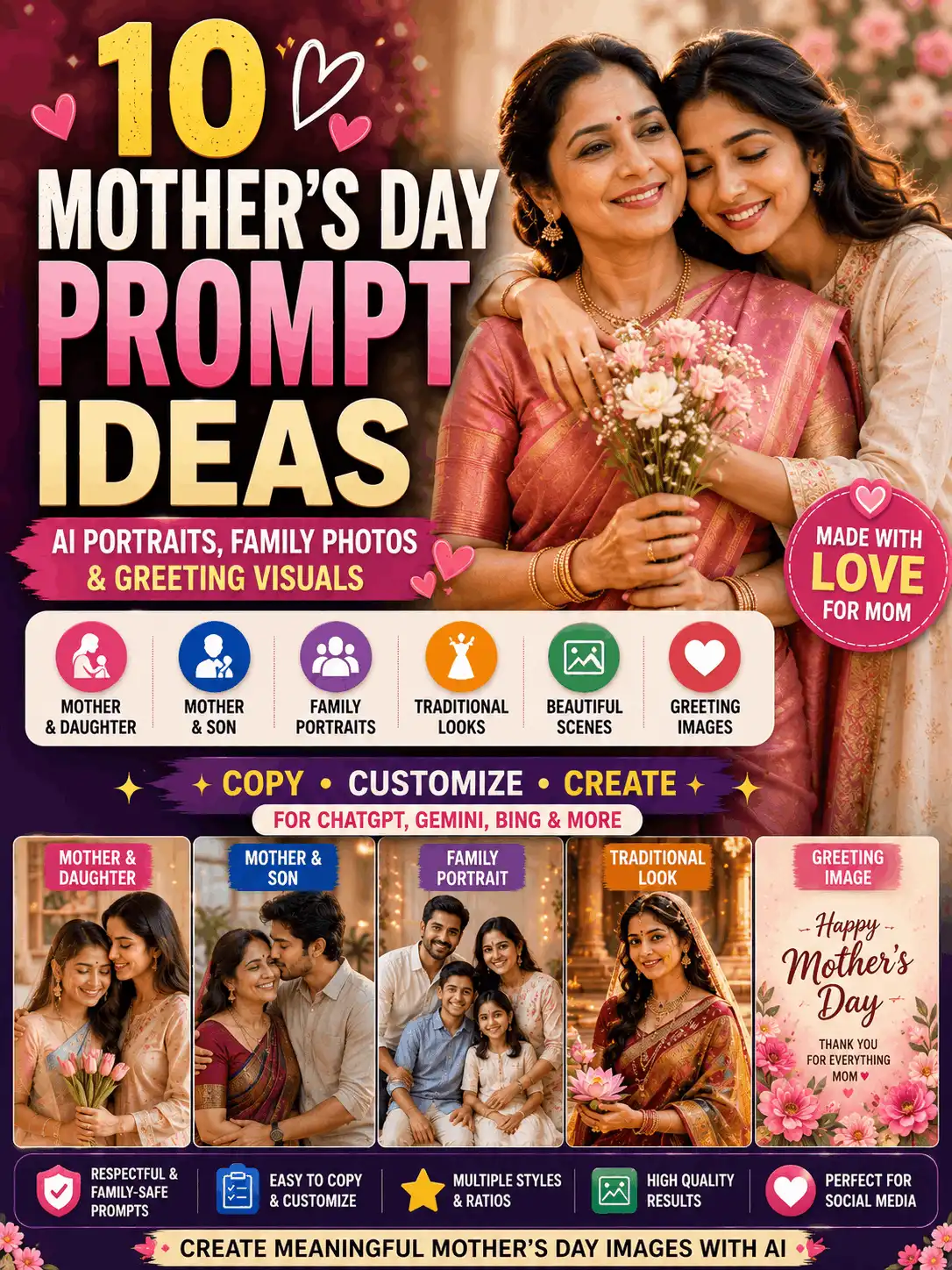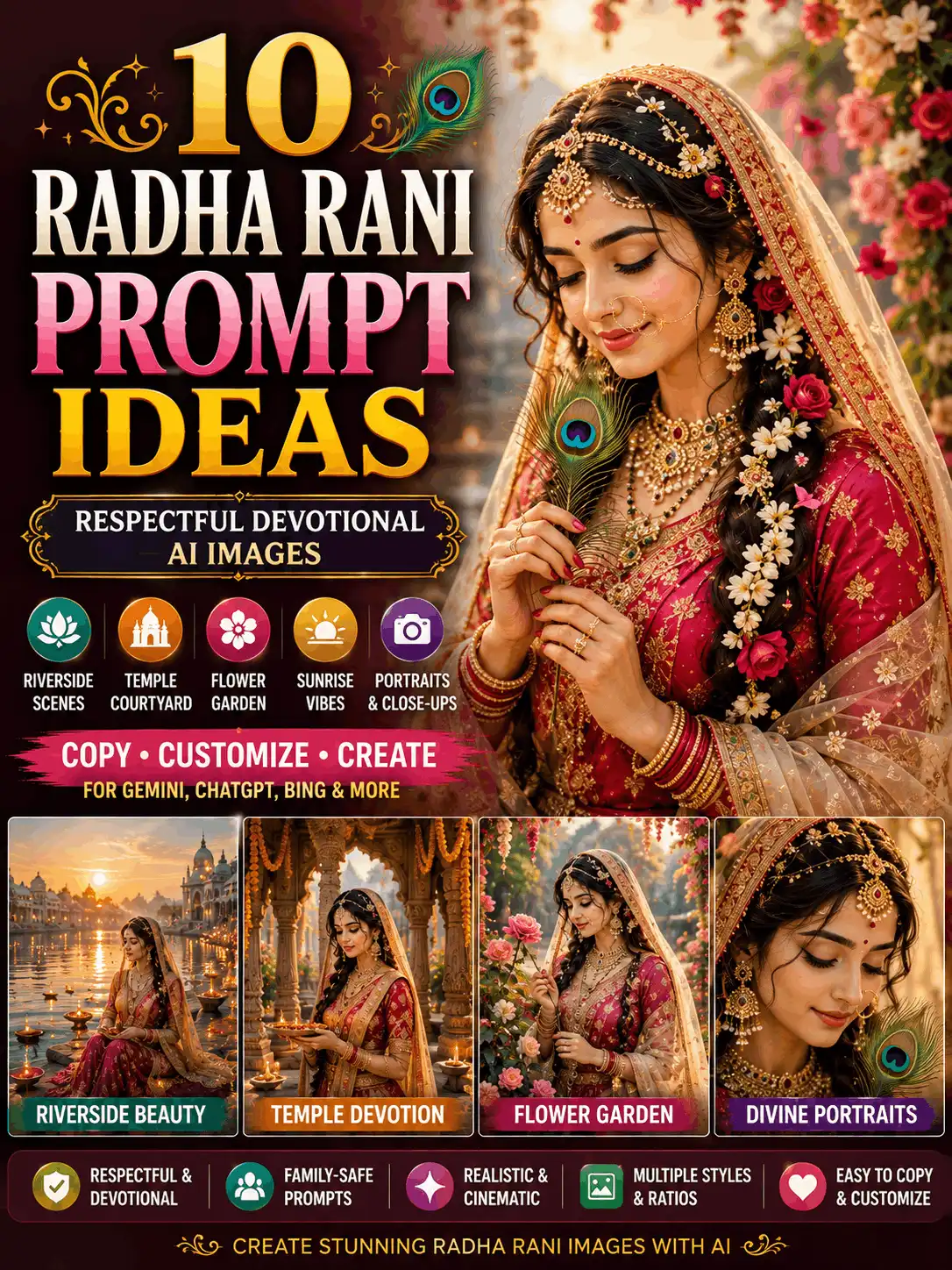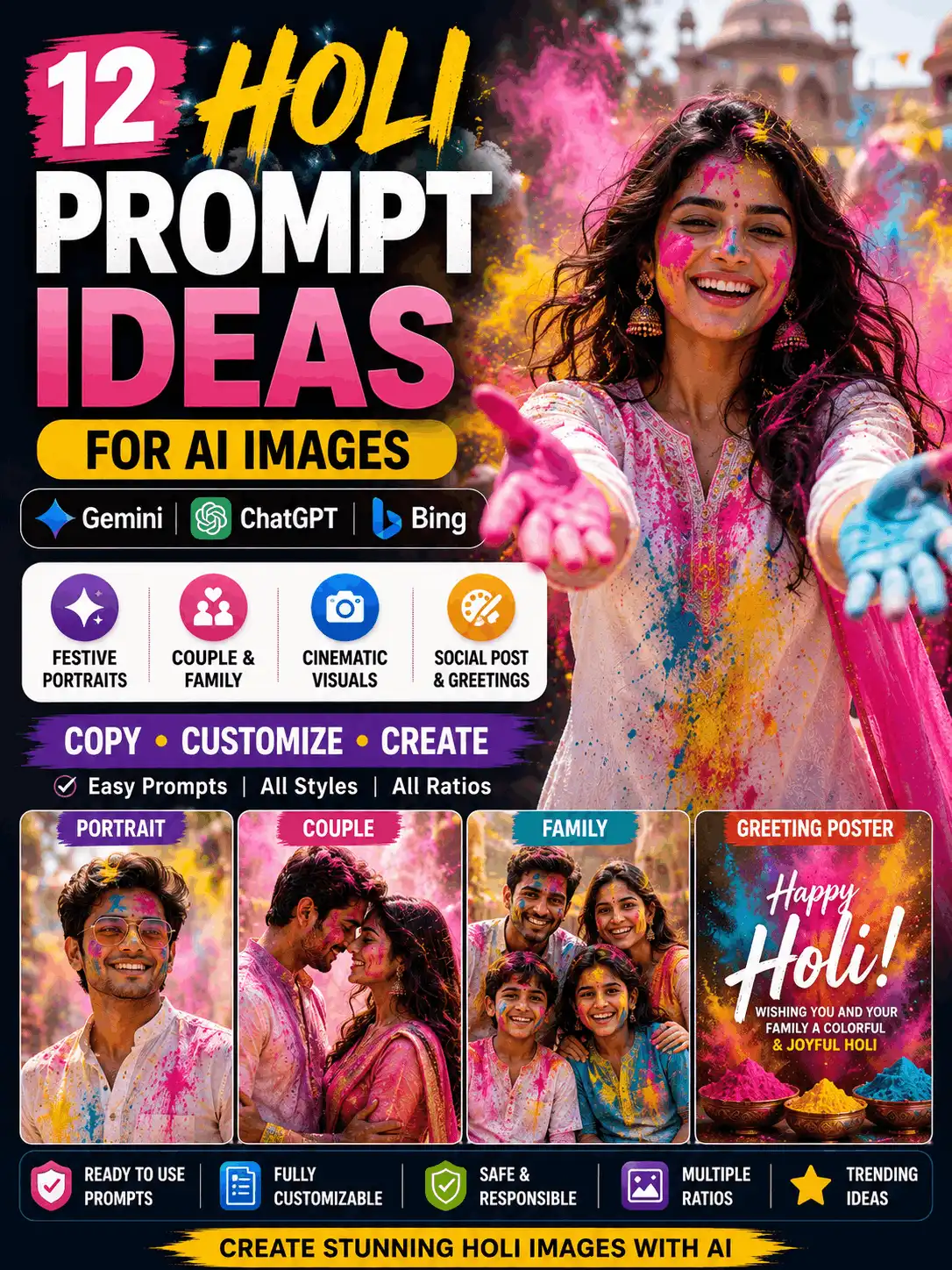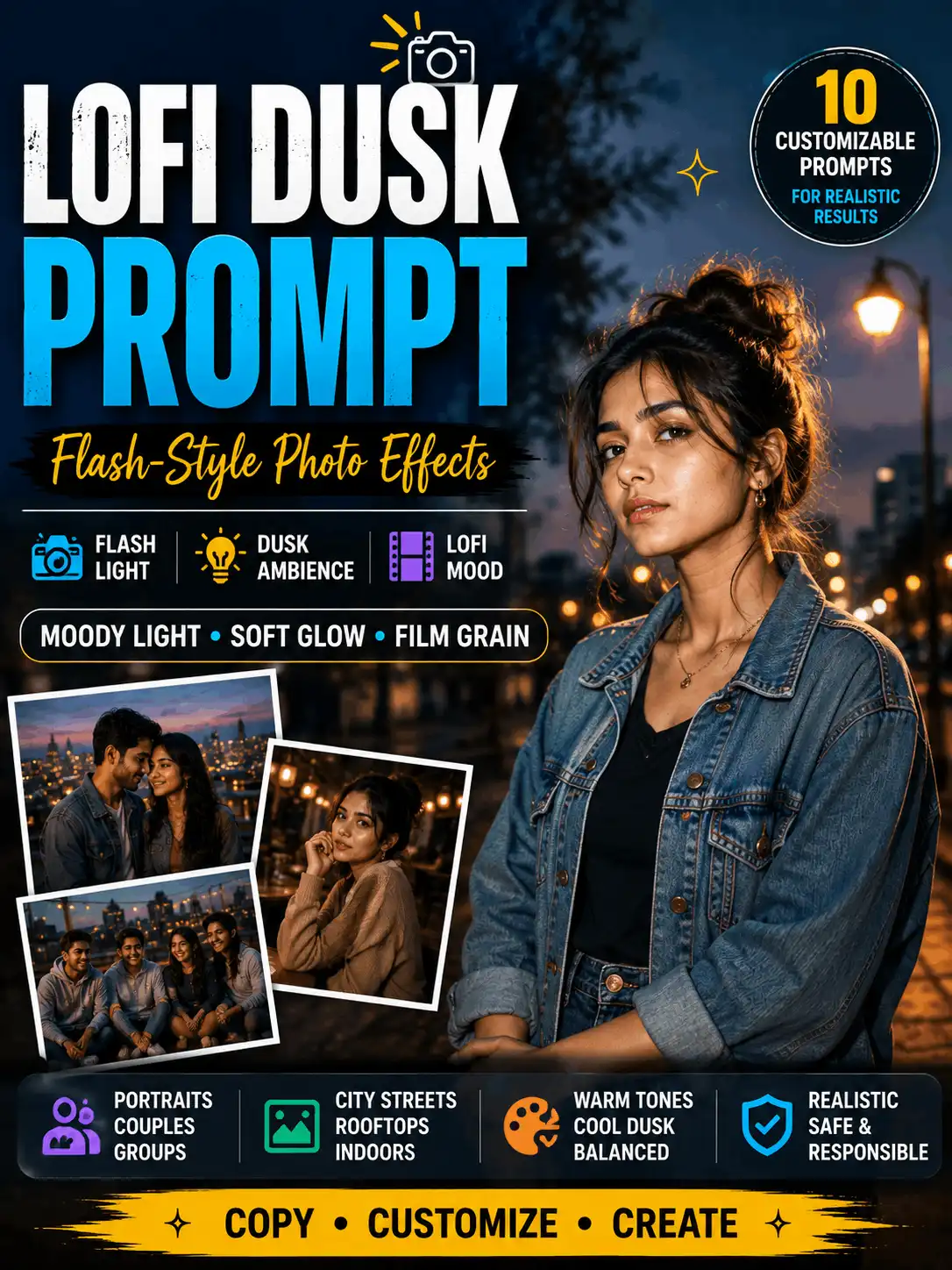

Image Prompts for AI Photos, Portraits and Creative Styles
Looking for useful image prompts that are easy to copy and customize? This guide organizes AI prompt ideas for portraits, couples, families, professional photos, social-media images and creative visual styles. Choose a prompt that matches your goal, then change details such as the subject, clothing, pose, background, lighting and image ratio.
You will also find a simple prompt formula, ready-to-use examples, original image suggestions and links to more focused Gemini, ChatGPT, couple, family and aesthetic guides. Customize every example before generating your image. AI-generated results may vary depending on the tool, model, settings, reference image and image ratio.
| What Are Image Prompts? Image prompts are written instructions that tell an AI tool what visual to create. A useful image prompt describes the subject, clothing, pose, expression, background, lighting, image style, camera framing and aspect ratio in clear language. It can be used to create a new visual, while a photo-editing prompt describes changes to an existing image. |
Simple AI image-prompt formula Subject + clothing + pose + expression + background + lighting + camera or art style + aspect ratio + quality requirements |
5 Copy-Paste Image Prompts to Start With
These short examples cover common image goals. Replace the sample details with your own idea rather than using every prompt unchanged.
1. Single Portrait Prompt
| Create a realistic full-length portrait of an adult Indian man wearing a cream linen shirt and dark trousers. Show him standing confidently beside a modern garden during soft evening light. Use natural skin texture, detailed hair, accurate hands, balanced colours and professional photography. Use a 3:4 ratio. |
2. Professional Photo Prompt
| Create a clean head-and-shoulders portrait of an adult Indian creator looking toward the camera. Use formal clothing, a simple studio background, soft even lighting, realistic skin texture, sharp eyes and professional portrait photography. Use a 4:5 composition. |
3. Stylish Photo Prompt
| Create a stylish portrait of an adult Indian woman standing on a city rooftop during blue hour. Dress her in a modern coordinated outfit and show a confident natural expression. Add soft city lights, realistic skin texture, balanced colour grading and editorial photography. Use a 4:5 ratio. |
4. Adult Couple Prompt
| Create a realistic romantic portrait of an adult Indian couple standing together beside a calm lake during sunset. Use coordinated elegant clothing, natural smiles, warm reflections, realistic skin texture, accurate hands and cinematic portrait photography. Use a 4:5 ratio. |
5. Family Photo Prompt
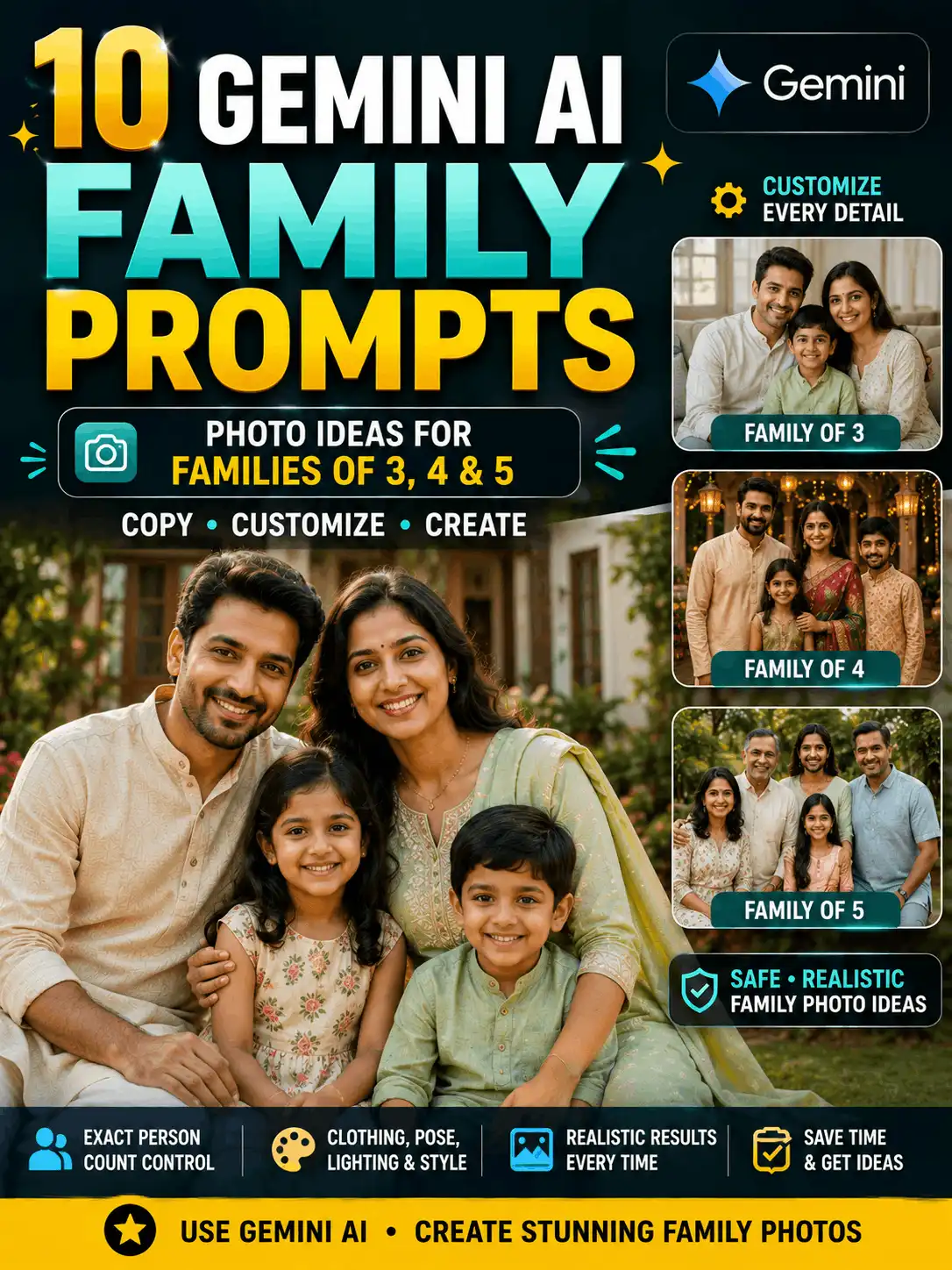
| Create a realistic family portrait of two parents and two children standing together in a bright garden. Position the parents in the centre and the children naturally beside them. Use coordinated traditional clothing, relaxed smiles, accurate hands and professional family photography. Use a 4:3 ratio. |
What Do Image Prompts Tell an AI Tool?
An image prompt turns a visual idea into written instructions. Instead of asking for “a nice photo,” you explain who or what should appear, how the subject should look, where the scene takes place and which visual style should guide the result. A prompt can describe realistic photography, an illustration, a cinematic scene, vintage photography, an editorial portrait or another creative style.
Some tools create a completely new image from text. Others may also accept a reference image and follow editing or identity-preservation instructions where supported. The same prompt can produce different faces, clothing details, backgrounds or compositions because platforms and models interpret language differently. Treat a prompt as creative guidance rather than a guarantee of an identical result.
For broad ideas and category browsing, visit the AI Image Prompts category. This pillar page focuses on the general structure, selection and customization of prompts rather than duplicating every platform-specific or subject-specific collection.
Simple AI Image-Prompt Formula
A structured prompt gives the tool enough visual information without becoming confusing. Build your AI prompt for an image in the following order:
| Subject + clothing + pose + expression + background + lighting + camera or art style + aspect ratio + quality requirements |
Example: Create a realistic portrait of an adult Indian woman wearing an elegant blue silk saree. Show her standing naturally in a heritage courtyard with a gentle smile. Add warm golden-hour lighting, realistic skin texture, detailed fabric, accurate hands, soft background blur and professional portrait photography. Use a 3:4 ratio.
You do not need to use complicated technical language. Clear visual details usually matter more than a long list of dramatic adjectives. Keep one main subject, one setting and one primary style. Add only the quality instructions that are relevant to the image.
How to Use an AI Photo Prompt Copy-Paste Example
1. Choose the image category. Decide whether you need an individual portrait, professional profile, couple image, family photo, social post, creative artwork or photo edit.
2. Copy a suitable prompt. Select an example with a composition close to your planned image.
3. Replace the example details. Change the subject, clothing, pose, expression, location, lighting and visual style.
4. Select an image ratio. Use a ratio that matches the final platform, such as 4:5 for a portrait feed post or 9:16 for a Story or Reel.
5. Paste the prompt into your preferred tool. Use only features available in the platform you have selected.
6. Generate and review the complete image. Check faces, hands, fingers, body proportions, clothing, background objects, random text, sharpness and framing.
7. Revise one unclear detail at a time. A focused correction is easier for the tool to follow than rewriting everything after each result.
| Important: “Copy paste” does not mean “publish unchanged.” Customize the prompt and review the generated image before using it publicly. |
Choose the Right Image Prompt for Your Goal
There is no single “best photo prompt” for every image. The best prompt is the one that clearly describes the intended subject, composition and output format.
| Image goal | Recommended prompt type | Important details | Suggested ratio | Related guide |
| Individual portrait | Single photo prompt | Clothing, pose, expression | 3:4 | This pillar |
| Professional profile | Studio or profile prompt | Framing, clothing, background | 4:5 | Professional Photo Prompt |
| Adult couple image | Couple prompt | Adult ages, pose, setting | 4:5 | Couple Prompt |
| Family image | Family prompt | Number of people, placement | 4:3 | Family Photo Prompts |
| Social-media post | Lifestyle prompt | Composition, safe space, ratio | 4:5 | Instagram Prompt |
| Story or Reel | Vertical prompt | Full-height framing, focal point | 9:16 | Trending Instagram AI Prompts |
| Creative artwork | Style prompt | Art style, palette, mood | 3:4 | Aesthetic Prompt |
| Blog cover | Landscape prompt | Subject placement, negative space | 16:9 | This pillar |
| Existing-photo edit | Photo-editing prompt | Change and preserve instructions | Original ratio | AI Photo Editing |
Single Photo Prompts
A single photo prompt describes one main person and gives the AI a clear focal point. State that the subject is an adult when age clarity matters. Explain the outfit, pose, expression, location, lighting and framing. A simple pose often produces more natural hands and body proportions than a complicated action.
| Copyable example: Create a realistic three-quarter portrait of an adult Indian woman wearing a muted green cotton saree with minimal jewellery. Show her standing beside a sunlit window with one hand resting naturally by her side. Use a calm expression, soft window light, realistic skin texture, detailed fabric and professional lifestyle photography. Use a 3:4 ratio. |
Customize: adult age range, general appearance, hairstyle, clothing, pose, facial expression, location, lighting and ratio. Avoid adding a second subject in the background unless the image genuinely needs one.
AI Photo Prompts for Portraits
AI photo prompts for portraits are intended to produce a photography-style result. The prompt should tell the tool how much of the person is visible and what type of portrait you need. Common options include head-and-shoulders, waist-up, three-quarter, full-length, professional profile, traditional portrait, fashion editorial and outdoor lifestyle photography.
Head-and-Shoulders Portrait
| Create a clean head-and-shoulders portrait of an adult Indian business professional looking directly toward the camera. Use a dark formal blazer, a neutral studio background, soft even lighting, realistic skin texture, natural facial details and sharp eyes. Use professional portrait photography and a 4:5 composition. |
Traditional Portrait
| Create an elegant full-length portrait of an adult Indian woman wearing a maroon silk saree with a detailed gold border and tasteful traditional jewellery. Show her standing in a carved heritage courtyard during warm morning light. Use natural posture, realistic fabric, accurate hands, soft background blur and editorial portrait photography. Use a 3:4 ratio. |
For more formal profile ideas, open the Professional Photo Prompt guide.
Stylish Photo Prompts
A stylish photo prompt combines fashionable clothing, a confident but natural pose, modern lighting and clean composition. Avoid relying only on the word “stylish.” Describe the outfit, colour palette, background and editorial mood so the visual direction is clear.
| Create a modern editorial portrait of an adult Indian man standing beside a minimalist concrete wall at blue hour. Dress him in a charcoal overshirt, a plain white T-shirt and tailored trousers. Show a relaxed confident pose, soft city lights in the distance, realistic skin texture, crisp clothing details and balanced editorial colour grading. Use a 4:5 ratio. |
Stylish portraits work well for creator profiles, fashion inspiration, social feeds and modern lifestyle visuals. For a larger collection of visual styles, visit Aesthetic Prompt.
Couple and Family Image Prompts
Couple Image Prompts
Couple prompts should clearly describe both subjects as adults, explain their placement and choose a natural interaction. Coordinated clothing does not need to be identical; matching colours or complementary styles can create a balanced result.
| Create a realistic portrait of an adult Indian couple walking together through a flower garden during golden hour. Dress them in coordinated pastel traditional outfits and show relaxed natural smiles. Add warm sunlight, realistic skin texture, accurate hands, detailed fabric and professional romantic photography. Use a 4:5 ratio. |
Complete romantic, wedding, traditional and platform-specific collections belong in the Couple Prompt pillar.
Family Image Prompts
Family prompts require exact subject counts and clear placement. Mention the number of adults and children, their approximate age ranges where relevant, clothing coordination and natural interaction. Keep the environment safe and age-appropriate.
| Create a warm outdoor portrait of two parents, one teenage child and one younger child standing together in a green garden. Place the parents slightly behind the children, use coordinated blue and cream clothing, relaxed expressions and natural family interaction. Add soft morning light, realistic skin texture, accurate hands and professional family photography. Use a 4:3 ratio. |
See Family Photo Prompts for focused family examples.
Social-Media Image Prompts
Social-media image prompts should match the intended placement. A feed portrait needs a strong central subject, while a Story or Reel cover needs clear vertical framing. Ask for clean visual hierarchy and leave negative space only when you plan to add text manually after generation.
- Feed portrait: use 4:5 and keep the face within a mobile-safe central area.
- Square post: use 1:1 and avoid important details near the edges.
- Story or Reel: use 9:16 with a dominant subject and simple background.
- Profile image: use a close crop and uncluttered background.
| Create a clean vertical social-media portrait of an adult Indian creator standing on a rooftop during sunset. Place the subject in the lower centre with open sky above for optional manual headline text. Use a modern outfit, natural expression, warm rim light, clean background separation and realistic photography. Do not generate letters, captions or logos. Use a 9:16 ratio. |
Explore dedicated ideas in Instagram Prompt and Trending Instagram AI Prompts.
Creative Image-Style Prompts
Creative prompts change the visual treatment while keeping the subject and scene understandable. Select one primary style such as cinematic, vintage, cartoon, oil painting, fantasy, editorial, soft aesthetic or retro photography. Mixing several unrelated styles can make the output inconsistent.
Cinematic Image Prompt
| Create a cinematic portrait of an adult Indian woman standing beside a misty forest pathway at sunrise. Dress her in a simple flowing outfit and show a calm expression. Add soft fog, warm light rays, natural colours, realistic skin texture, shallow depth of field and professional cinematic photography. Use a 3:4 ratio. |
Vintage Photo Prompt
| Create a realistic vintage-style portrait of an adult Indian man sitting inside a classic café. Use a simple retro outfit, warm brown tones, soft window light, natural film grain, detailed facial features and 1970s-inspired editorial photography. Use a 3:4 ratio. |
For detailed style collections, use the Aesthetic Prompt pillar rather than combining every style on this page.
Gemini and ChatGPT Image Prompts
Gemini Image Prompts
A Gemini image prompt can describe the complete scene, including the subject, outfit, pose, setting, lighting, visual style and ratio. Keep the prompt easy to scan and revise one important detail when the result does not match your idea.
| Create a realistic outdoor portrait of an adult Indian woman wearing a blue silk saree in a heritage courtyard during golden hour. Use natural skin texture, detailed fabric, accurate hands, soft background blur and professional portrait photography. Use a 3:4 ratio. |
Open Gemini AI Photo Prompt Copy Paste for the complete Gemini-focused guide.
ChatGPT Image Prompts
ChatGPT can be used to create detailed image instructions and, where image features support it, to generate or edit visuals. Separate a new-image request from an existing-photo edit so the intended action is clear.
| Create a realistic lifestyle portrait of an adult Indian creator standing beside a bright café window. Use a smart casual outfit, relaxed posture, natural expression, soft window light, realistic skin texture and editorial photography. Use a 4:5 ratio. |
See Chat GPT Prompt for the broader platform guide.
Image Generation vs Photo Editing Prompts
Image generation and photo editing are related but different tasks. A generation prompt creates a new scene. A photo-editing prompt begins with an uploaded image and explains what should change and what must stay recognizable.
| Image generation | Photo editing |
| Creates a new image | Changes an uploaded image |
| Describes a complete scene | Describes the requested modification |
| Does not require an existing photo | Requires an existing image where supported |
| Focuses on subject and scene creation | Focuses on change and preservation instructions |
| Editing prompt formula Uploaded image + requested change + details to preserve + new visual details + quality instructions |
| Short editing example: Edit the uploaded photo while keeping the adult subject recognizable. Replace the background with a softly lit heritage courtyard, improve the overall lighting and clothing detail, preserve natural skin texture and body proportions, and keep the original image ratio. |
Use only photos you have permission to upload and edit. For complete editing collections, visit Google Gemini AI Photo Editing Prompts, ChatGPT Photo Editing Prompts and AI Photo Editing.
How to Build a Prompt with an AI Prompt Image Generator Formula
You do not need a complicated tool to create a useful prompt. Answer the following questions in order, then combine the answers into one natural paragraph:
1. Who or what is the main subject?
2. What should the subject wear or contain?
3. What pose, action or arrangement is required?
4. Where does the scene take place?
5. What lighting and mood should be used?
6. What photography or art style is required?
7. What image ratio matches the final use?
8. Which common errors should be avoided?
This question-based method works as a simple prompt image generator. It also helps you diagnose a weak prompt: when one answer is missing, add that detail instead of filling the prompt with unrelated adjectives. To learn about extracting prompt ideas from an existing visual, see Image to Prompt.
How to Customize Image Prompts
The strongest prompt is usually a customized prompt. Change details that affect the visible result rather than replacing only one colour word.
Subject
State the exact number of people, adult or child age range where needed, general appearance, hairstyle and expression. For romantic images, clearly describe the subjects as adults.
Clothing
Choose the outfit type, main colour, fabric, jewellery and accessories. Describe complete clothing when accuracy matters, but avoid adding so many accessories that the image becomes cluttered.
Pose
Use clear actions such as standing, sitting, walking, looking at the camera, looking away or holding a simple prop. Natural, balanced poses are easier to generate than complex overlapping limbs.
Background
Select one setting: garden, studio, beach, heritage courtyard, café, city rooftop, wedding venue or mountain landscape. Explain whether the background should be detailed, clean or softly blurred.
Lighting
Choose morning light, golden hour, window light, studio light, blue-hour light or cinematic evening light. Lighting words should support the intended mood rather than conflict with the location.
Image Style
Select one primary treatment: realistic photography, editorial photography, cinematic portrait, vintage photography, cartoon illustration or oil painting. Add a second influence only when the combination is intentional.
Quality and Framing
Useful instructions include realistic skin texture, accurate hands, natural body proportions, detailed fabric, sharp eyes, balanced colour and soft background separation. State whether the image is close-up, head-and-shoulders, waist-up, three-quarter or full-length.
Select the Correct Image Ratio
The aspect ratio controls the shape of the image. Select it according to the final placement rather than choosing a ratio after generation.
| Use | Recommended ratio | Prompt note |
| Square social post | 1:1 | Keep key details away from the edges. |
| Portrait feed image | 4:5 | Use a strong vertical subject composition. |
| Detailed portrait | 3:4 | Works well for three-quarter or full-length portraits. |
| Story or Reel | 9:16 | Request full-height vertical framing. |
| Landscape family image | 4:3 | Leave enough horizontal space for group placement. |
| Blog featured image | 16:9 | Place the subject with room for cropping or manual text. |
Negative Instructions for Image Prompts
Negative instructions tell the tool which visible problems to avoid. Use only the items relevant to your scene. A huge generic list can compete with the main request and does not guarantee a perfect result.
| Useful negative instruction: Avoid distorted hands, extra fingers, duplicate people, incorrect body proportions, plastic-looking skin, random text, logos, watermarks, blurred eyes and unrelated background objects. |
Review the result manually even when negative instructions are included. If the hands are still unclear, simplify the pose. If random lettering appears, remove signs or poster-like objects from the scene and state that no generated captions or logos should be present.
Common Image-Prompt Problems and Fixes
| Problem | Recommended fix |
| Image looks generic | Add specific clothing, setting and lighting. |
| Subject count is wrong | State the exact number of people and their placement. |
| Face looks artificial | Request realistic texture, natural expression and proportions. |
| Hands are distorted | Use a simpler pose and avoid overlapping fingers. |
| Clothing is incorrect | Describe the complete outfit, colours and fabric clearly. |
| Background is busy | Request a clean or softly blurred background. |
| Styles conflict | Select one primary visual style. |
| Random text appears | Request no captions, letters, logos or watermarks. |
| Ratio is incorrect | State the required ratio and vertical or landscape framing. |
| Result changes each time | Treat prompts as creative guidance, not a guarantee; refine one detail at a time. |
Frequently Asked Questions
What are image prompts?
Image prompts are written descriptions that tell an AI tool what visual to create. They normally explain the subject, clothing, pose, expression, background, lighting, style, framing and aspect ratio.
How do I write an AI image prompt?
Start with the main subject, then add clothing, pose, expression, location, lighting, camera or art style, image ratio and relevant quality instructions. Keep the description clear and visually consistent.
Can I copy and customize these prompts?
Yes. Use each prompt as a starting point, then change the visible details to match your own idea. Customized prompts are more useful than publishing a generic copy unchanged.
What is the best photo prompt?
The best prompt depends on the image goal. A professional headshot, family group, cinematic portrait and social-media cover need different framing, details and ratios.
Which details should I include?
Include the subject count, age clarity where relevant, clothing, pose, facial expression, background, lighting, image style, framing and ratio. Add negative instructions only for likely errors.
Can I use one prompt in Gemini and ChatGPT?
The same core idea may work across platforms, but available features and results can differ. Adjust the wording and workflow to the tool you are using.
What is the difference between image generation and photo editing?
Image generation creates a new visual from a description. Photo editing begins with an existing image and explains what to change and what to preserve.
Can I create pictures of myself?
Use only images you have permission to upload. Where reference-image features are supported, clearly state which identity details should remain recognizable and which visual elements should change.
Why does the same prompt produce different results?
AI models interpret language differently, and results may also change because of model updates, settings, random variation, reference-image quality and image ratio.
Which image ratio should I select?
Use 1:1 for square posts, 4:5 for portrait feeds, 3:4 for detailed portraits, 9:16 for Stories and Reels, 4:3 for landscape groups and 16:9 for blog covers.
Are AI image prompts free to use?
The prompt text on this page can be used as a customizable starting point. Access to generation or editing features depends on the current terms and plans of the selected AI platform.
Can I use the generated image commercially?
Review the current terms of the tool you use. Avoid unauthorized copyrighted material, trademarks, public-figure impersonation, misleading events and another person’s identity or photograph without permission.
Explore Related Image-Prompt Guides
- Gemini AI Photo Prompt Copy Paste
- Chat GPT Prompt
- Google Gemini AI Photo Editing Prompts
- ChatGPT Photo Editing Prompts
- Couple Prompt
- Family Photo Prompts
- Professional Photo Prompt
- Aesthetic Prompt
- AI Prompt Archive
- Image with Prompt
- Image to Prompt
- Instagram Prompt
Final Thoughts
A useful image prompt clearly explains the subject, clothing, pose, expression, setting, lighting, image style, framing and ratio. Start with a prompt category that matches your intended output, then customize the example instead of copying it unchanged. Review faces, hands, proportions, clothing, background objects and random text before publishing. Use this pillar to understand the basic prompt structure and choose the correct direction, then open the related Gemini, ChatGPT, couple, family, professional, social-media or aesthetic guide for more focused ideas.
| Start Creating Your AI Image Choose an image category, copy a suitable prompt and change the subject, clothing, pose, background, lighting and ratio. Review the generated result carefully, then revise only the details that need improvement. Browse AI Image Prompts Explore the AI Prompt Archive |
| About the Author Swetha AI Prompt Creator and Digital Content Specialist Swetha is an MCA graduate with five years of experience in blogging, YouTube and social media, along with two years of experience creating AI prompts. She uses Gemini and ChatGPT daily to develop practical image prompts and beginner-friendly guides for AskExclusive. Written and manually reviewed by: Swetha Published: August 2, 2026 Last updated: August 2, 2026 Testing note: The prompts are customizable templates. Before claiming first-hand test results, record the exact prompt, AI tool, visible model name, test date, requested ratio, observed result and revision for each original example. Results may change as platforms and models are updated. |
| AI Content and Image Disclosure Some prompt examples and images on this page may be produced with AI tools for educational and creative demonstration. AI-generated images should not be presented as genuine photographs of real events. Use personal photographs only with permission, review the final output carefully and follow the current terms of the selected platform. |