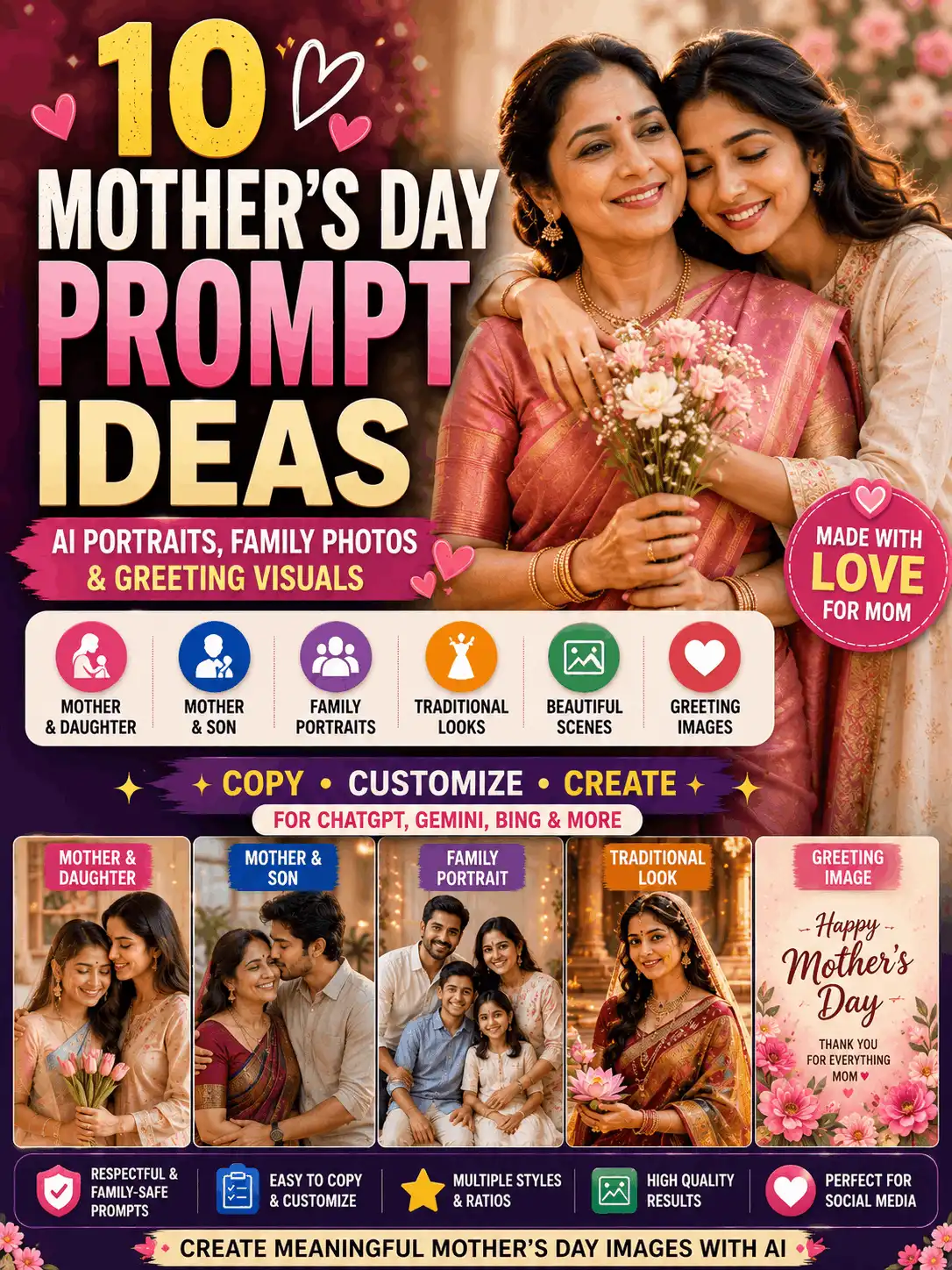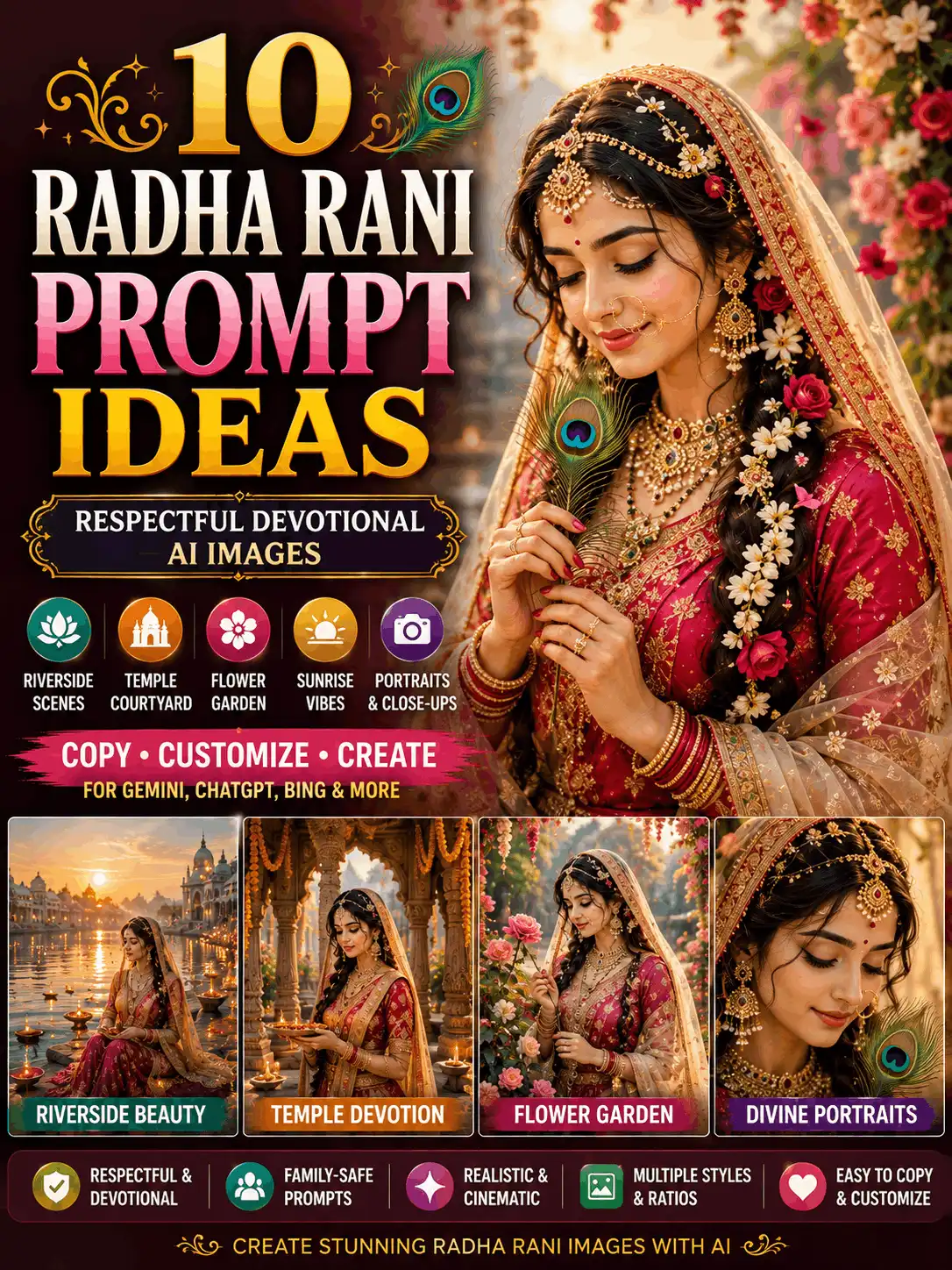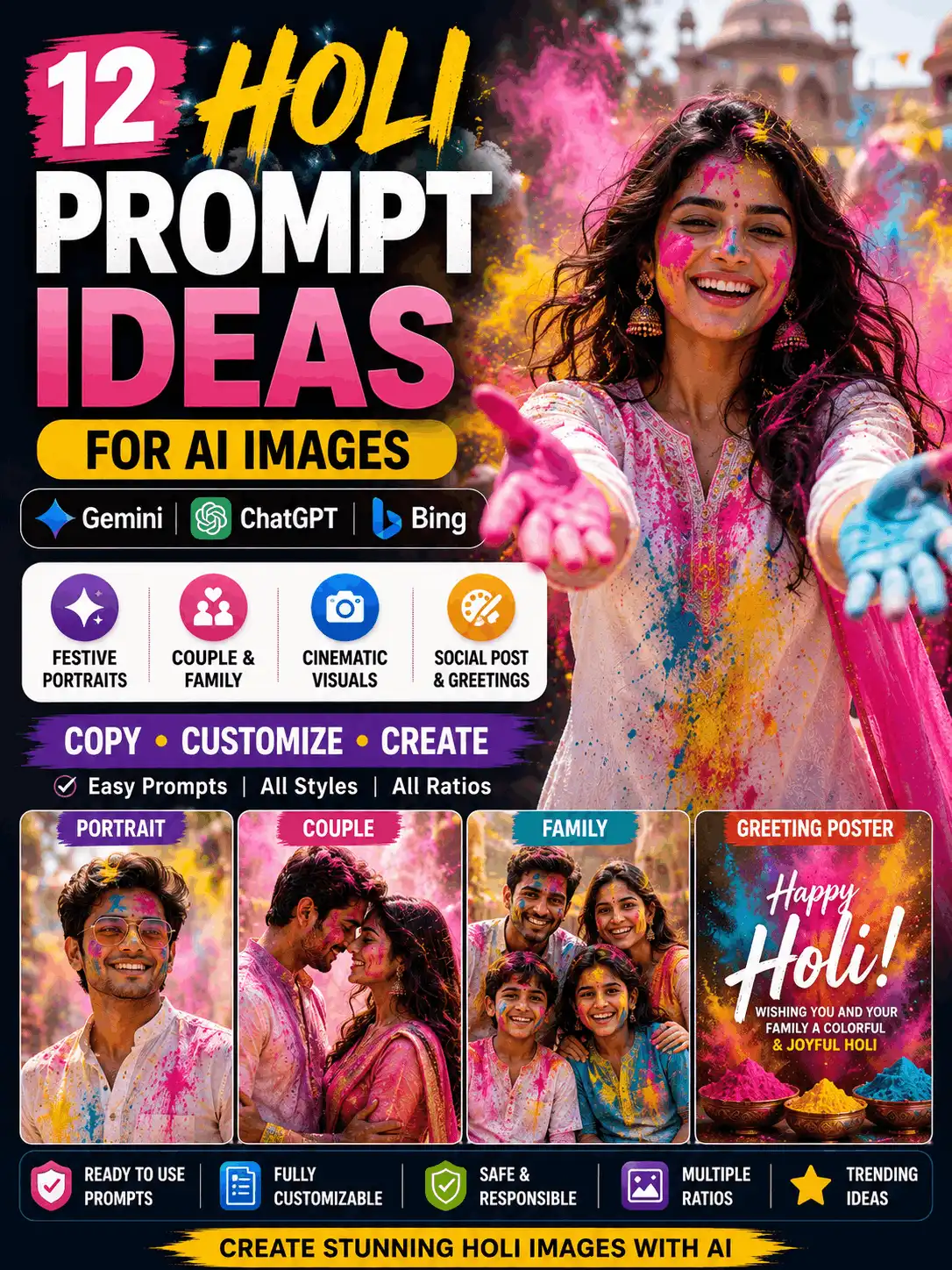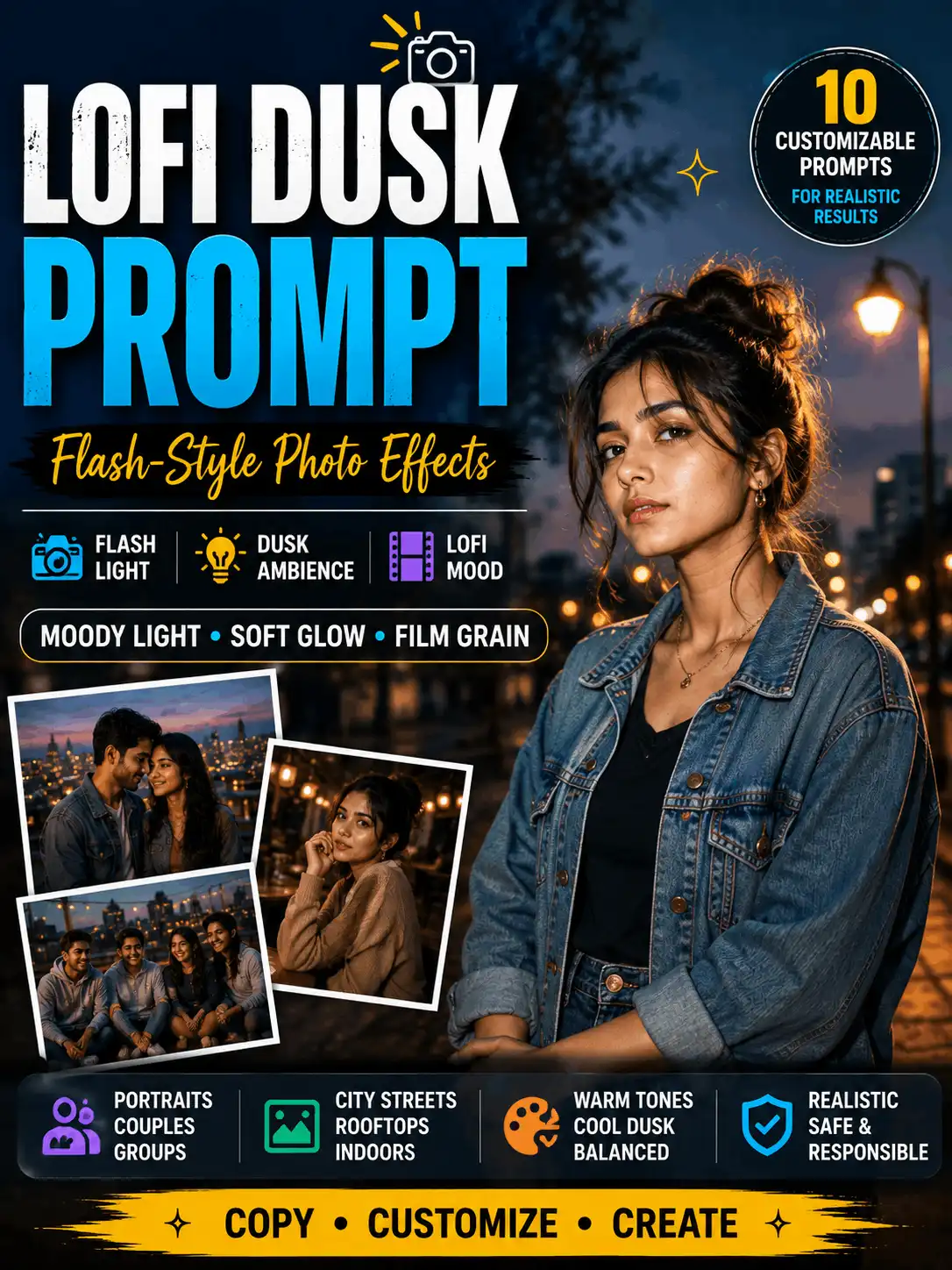

New Trending Photo Editing Prompts and AI Image Ideas
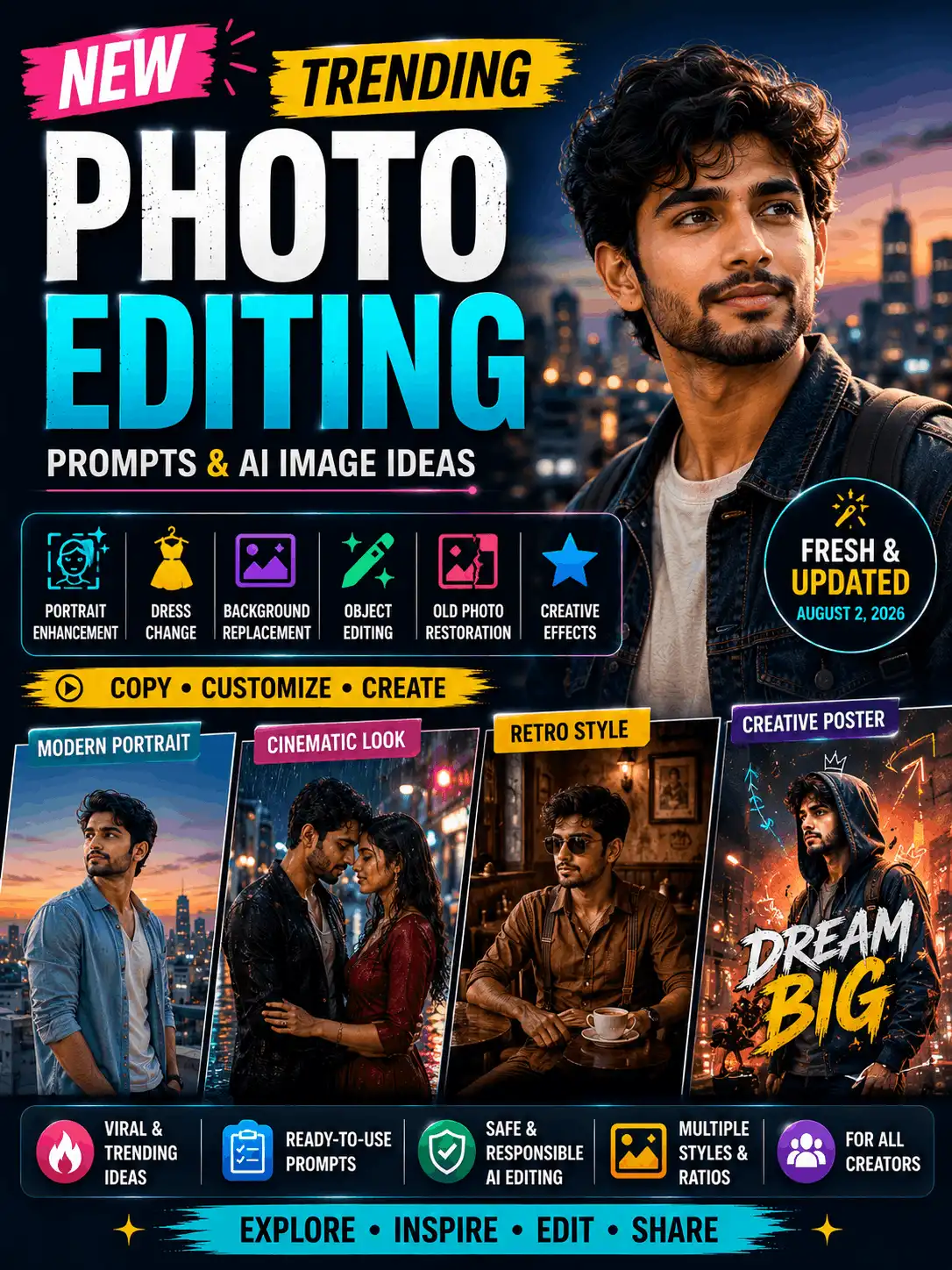
Looking for new trending photo editing prompts that you can copy and customize? This rolling guide brings together recently reviewed AI photo ideas for modern portraits, cinematic images, retro concepts, social-media designs, original meme posters, adult-couple portraits, family-safe images and controlled reference-photo edits. Choose a concept that matches your image, then change the subject, clothing, pose, background, lighting, text and aspect ratio. AI trends and tool features can change quickly, so every prompt should be treated as a flexible starting point rather than a fixed formula.
| Quick answer — What is new trending photo editing? New trending photo editing refers to recently popular AI image styles, prompt formats and editing concepts. A useful trend page should show the visual idea, provide a customizable prompt, identify the suitable platform or workflow and record when the concept was reviewed. Some ideas create a completely new image, while others change an uploaded photograph and preserve selected identity details. |
Quick Trend Selection
| Trend category | Best for | Suggested ratio |
| Portrait trends | Profile and social photos | 4:5 |
| Cinematic trends | Dramatic portraits and covers | 3:4 or 9:16 |
| Meme-poster trends | Humorous posts and promotions | 4:5 |
| Retro trends | Nostalgic photo concepts | 3:4 |
| Couple trends | Adult couple portraits | 4:5 |
| Family trends | Parent-child and family images | 4:5 or 4:3 |
| Instagram trends | Feed, Story and Reel visuals | 4:5 or 9:16 |
| Photo transformations | Before-and-after concepts | Original ratio |
| Gemini trends | Gemini-specific prompts | Depends on use |
| ChatGPT trends | ChatGPT image concepts | Depends on use |
What Is New Trending Photo Editing?
The phrase can describe two related activities. The first is new AI image creation, where the prompt describes a complete subject, outfit, pose, location, lighting style and composition. The second is AI photo editing, where an uploaded photograph is changed while selected details—such as the person’s face, age, hairstyle or body proportions—are meant to remain recognizable.
Trends can be visual, emotional, humorous, nostalgic or cinematic. Some are designed around a platform format such as a 4:5 feed portrait or a 9:16 Reel cover. Others are connected to a specific tool. This page owns the broad, cross-platform and changing intent. The AI Photo Editing Archives should own evergreen discovery and useful older ideas; dedicated Gemini, ChatGPT, Instagram and couple pages should own their detailed platform or subject collections.
A trend label is not a performance promise. A viral-style photo concept can look suitable for social media, but it cannot guarantee views, ranking, shares or engagement. Originality, timing, audience relevance, distribution and platform behaviour remain outside the prompt itself.
Browse AI Photo Editing Archives
How AskExclusive Selects Trending Prompts
A prompt should be included only when it has a recognizable visual format, can be customized meaningfully and remains useful beyond copying one image. The editorial record should show the date reviewed, platform label, prompt text, original example status, current status and one known limitation. When Swetha tests a prompt, the page should also record the exact tool, visible model, reference-image use, requested ratio, problems observed and revision made.
- Recently added — added during the latest review
- Currently featured — still useful and receiving interest
- Previous trend — no longer new but retained for reference
Do not silently delete every older prompt. Move a useful concept into the Previous Trends section or the archive, remove the word “new,” and explain when platform support changed. Do not say a prompt was tested unless the test was actually completed and documented.
Latest Trending Photo Editing Prompts
These prompt cards are structured examples for the rolling collection. Each one states the intended result, platform label, ratio, details to customize and details to preserve. Replace the editorial status only after reviewing the concept, and add original AskExclusive example images before publication. Results may vary by tool, model, settings and reference image.
1. Modern Rooftop Editorial Portrait
| Prompt-card field | Details |
| Status | Recently added |
| Editorial review | 2 August 2026 |
| Intended result | A clean, current-looking social portrait with a strong subject and uncluttered city background. |
| Platform label | Cross-platform image generation |
| Suggested ratio | 4:5 |
| COPYABLE PROMPT Create a modern editorial portrait of an adult Indian creator standing on a city rooftop during blue hour. Use a fashionable coordinated outfit, natural confidence, soft city lights, realistic skin texture, clean background separation, balanced colours and professional social-media photography. Keep the face sharp, the hands natural and the composition mobile-friendly. Use a 4:5 ratio. |
Customize: Outfit colour, hairstyle, rooftop style, city-light intensity and facial expression.
Preserve or check: Natural facial features, accurate hands, realistic body proportions and one clear focal point.
| Important Do not add random signs, logos or generated text. |
Related guide: 8K photo editing prompt
2. Rain-Washed Cinematic Street Portrait
| Prompt-card field | Details |
| Status | Currently featured |
| Editorial review | 2 August 2026 |
| Intended result | A dramatic movie-inspired vertical portrait for a Reel cover or cinematic post. |
| Platform label | Cross-platform image generation |
| Suggested ratio | 9:16 |
| COPYABLE PROMPT Create a cinematic portrait of an adult Indian man walking through a rain-washed city street during blue hour. Add reflective street lights, soft atmospheric mist, natural clothing movement, realistic skin texture, subtle film-style colour grading and professional cinematic photography. Keep the subject dominant, the background readable and the hands anatomically accurate. Use a 9:16 ratio. |
Customize: Clothing, rain intensity, street design, colour mood and camera distance.
Preserve or check: Recognizable facial structure, realistic skin, accurate hands and natural walking posture.
| Important Use an original scene rather than recreating a specific film frame. |
Related guide: cinematic photo prompts
3. 1970s-Inspired Café Portrait
| Prompt-card field | Details |
| Status | Currently featured |
| Editorial review | 2 August 2026 |
| Intended result | A nostalgic editorial image with controlled period details and subtle film texture. |
| Platform label | Cross-platform image generation |
| Suggested ratio | 3:4 |
| COPYABLE PROMPT Create a realistic 1970s-inspired editorial portrait of an adult Indian woman sitting inside a classic café. Use period-appropriate clothing, warm brown tones, natural window light, subtle film grain, detailed facial features and an authentic vintage-photography mood. Keep the setting original and avoid modern brand logos. Use a 3:4 ratio. |
Customize: Selected decade, outfit, café furniture, colour treatment and amount of film grain.
Preserve or check: Natural facial features, period consistency and realistic lighting.
| Important Do not present the image as a genuine historical photograph. |
Related guide: aesthetic prompts
4. Golden Heritage Courtyard Portrait
| Prompt-card field | Details |
| Status | Recently added |
| Editorial review | 2 August 2026 |
| Intended result | A premium traditional portrait with detailed fabric and warm architectural depth. |
| Platform label | Cross-platform image generation |
| Suggested ratio | 4:5 |
| COPYABLE PROMPT Create an elegant editorial portrait of an adult Indian woman standing in a carved heritage courtyard during golden hour. Dress her in a refined silk saree with tasteful jewellery and natural hair styling. Add warm side light, realistic skin texture, detailed fabric, soft background blur and professional portrait photography. Keep the pose graceful, the hands natural and the architecture secondary to the subject. Use a 4:5 ratio. |
Customize: Saree colour, jewellery, courtyard style, pose and light direction.
Preserve or check: Natural skin texture, realistic fabric, accurate jewellery placement and balanced proportions.
| Important Use culturally respectful styling and avoid copying a real campaign image. |
Related guide: general image prompts
| Recommended ad position Place an advertisement after this prompt card, with clear spacing. Keep it away from copy controls and prompt boxes. |
5. Bacha Hai Tu Mera Trend Prompt — Original Meme Poster
| Prompt-card field | Details |
| Status | Recently added |
| Editorial review | 2 August 2026 |
| Intended result | A humorous text-led poster format using a fictional adult character and a customizable object. |
| Platform label | Cross-platform image generation plus manual text editing |
| Suggested ratio | 4:5 |
| COPYABLE PROMPT Create an original humorous illustrated poster featuring a fictional adult Indian character presenting [object] toward the camera. Use a clean beige textured background, a confident friendly expression, a bold hand-drawn headline area and balanced poster composition. Leave clear negative space for the final text. Do not copy a real actor, film frame, brand logo or copyrighted character. Use a 4:5 ratio. |
Customize: Fictional character, object, headline, secondary line, background texture and illustration style.
Preserve or check: Original character design, clear object visibility, safe margins and one readable headline area.
| Important Generate the visual first and add the final words manually to avoid spelling errors. |
Related guide: this rolling trend pillar
6. Minimal Social-Media Profile Portrait
| Prompt-card field | Details |
| Status | Currently featured |
| Editorial review | 2 August 2026 |
| Intended result | A clean profile image with strong facial clarity and space for cropping across platforms. |
| Platform label | Cross-platform image generation |
| Suggested ratio | 1:1 or 4:5 |
| COPYABLE PROMPT Create a clean professional portrait of an adult Indian creator looking toward the camera. Use a simple modern outfit, soft studio lighting, natural skin texture, sharp expressive eyes, gentle background blur and a neutral uncluttered setting. Leave comfortable space around the head and shoulders for profile-picture cropping. Avoid text, logos and unnecessary props. Use a 1:1 or 4:5 ratio. |
Customize: Background colour, outfit, expression, crop and lighting softness.
Preserve or check: Facial proportions, natural complexion, sharp eyes and clean edges around the hair.
| Important Keep retouching subtle so the person does not look artificially smoothed. |
Related guide: Instagram prompts
7. Adult Couple Blue-Hour Portrait
| Prompt-card field | Details |
| Status | Currently featured |
| Editorial review | 2 August 2026 |
| Intended result | A stylish adult-couple image with coordinated clothing and a modern social composition. |
| Platform label | Cross-platform image generation |
| Suggested ratio | 4:5 |
| COPYABLE PROMPT Create a stylish portrait of an adult Indian couple standing together on a modern rooftop during blue hour. Use coordinated clothing, natural expressions, a relaxed pose, soft city lights, realistic skin texture and clean social-media photography. Keep both adults equally recognizable, show accurate hands and maintain realistic body proportions. Use a 4:5 ratio. |
Customize: Outfits, pose, rooftop setting, expressions and city-light colour.
Preserve or check: Both adult identities, equal visual importance, natural hands and believable interaction.
| Important Do not imply a real relationship or event without the subjects’ permission. |
Related guide: trending couple prompts
8. Warm Family Festival Portrait
| Prompt-card field | Details |
| Status | Currently featured |
| Editorial review | 2 August 2026 |
| Intended result | A family-safe group portrait with coordinated styling and a warm celebration setting. |
| Platform label | Cross-platform image generation |
| Suggested ratio | 4:3 |
| COPYABLE PROMPT Create a warm family portrait of Indian family members standing together in a softly decorated festival courtyard. Use coordinated traditional clothing, natural smiles, balanced group placement, warm lamp light, realistic skin texture and professional family photography. Keep every person clearly visible, avoid duplicate faces and maintain accurate hands and age-appropriate styling. Use a 4:3 ratio. |
Customize: Number of people, relationships, clothing colours, festival decorations and seating or standing arrangement.
Preserve or check: Correct subject count, age-appropriate appearance, natural family interaction and individual facial clarity.
| Important Keep child-related styling age-appropriate and non-romantic. |
Related guide: family photo prompts
9. Reference-Photo Trend Transformation
| Prompt-card field | Details |
| Status | Recently added |
| Editorial review | 2 August 2026 |
| Intended result | A controlled edit that applies a current-looking background and lighting style to an uploaded photo. |
| Platform label | Tools that support reference-image editing |
| Suggested ratio | Original ratio |
| COPYABLE PROMPT Edit the uploaded photograph while preserving the person’s original facial structure, complexion, eyes, eyebrows, nose, lips, jawline, age, hairstyle and recognizable identity. Change only the background to a softly lit modern rooftop at blue hour, improve the lighting naturally, refine clothing detail and add gentle professional background separation. Do not reshape the face, change the person’s age or alter body proportions. Keep the original image ratio. |
Customize: Requested background, lighting, clothing refinement and degree of background blur.
Preserve or check: Identity, age, skin tone, hairstyle, body proportions and all details not named for editing.
| Important Upload only a photograph you own or have permission to edit. Exact identity preservation cannot be guaranteed. |
Related guide: AI photo editing
Trending Portrait Photo Prompts
Current-looking portrait formats usually succeed when they use a strong focal point, clean background separation and one clearly defined visual style. Modern rooftop portraits, soft floral images, luxury studio looks, dramatic monochrome portraits and heritage settings can all work, but they should not be treated as interchangeable. Choose one format and state the subject, clothing, pose, expression, setting, lighting, camera feel and ratio.
A useful trending AI photo prompt also tells the model what not to introduce: random text, duplicate people, distorted hands, unwanted logos or excessive skin smoothing. Keep detailed portrait-enhancement workflows on their individual pages.
Read the 8K Photo Editing Prompt guide
Trending Cinematic Photo Ideas
Cinematic concepts use atmosphere, directional light and controlled colour to create a dramatic image. Rainy streets, misty forests, sunset silhouettes, golden heritage locations, moody cafés, neon streets and spotlight portraits are useful starting points. The prompt should still remain specific: name the subject, action, weather, light source, colour mood, camera distance and aspect ratio.
A cinematic image should be original. Avoid recreating a recognizable film still, copying a promotional poster or using a celebrity likeness. Ask for professional film-style photography rather than a specific copyrighted frame.
Read Cinematic Photo Prompts
Trending Retro and Nostalgic Photo Prompts
A retro concept needs more than a brown filter. Select a decade, use period-appropriate clothing, choose a believable setting and keep modern objects or logos out of the frame. Subtle film grain, natural window light and controlled colour treatment can create a nostalgic editorial look without falsely presenting the image as historical evidence.
Trending Meme and Poster Prompts
Meme-poster trends combine a clear character, object, expression and headline area. Keep the background simple, use bold visual hierarchy and leave safe margins for text. AI-generated lettering is often inaccurate, so the most reliable workflow is to generate the character and composition first, then add the final headline manually in a design editor.
Bacha Hai Tu Mera Trend Prompt
The supplied bacha hai tu mera trend prompt belongs on this rolling pillar unless a separate keyword cluster is formally approved. AskExclusive should use an original fictional adult character, change the object and secondary line, avoid film frames and celebrity likenesses, and label the final image as AI-generated. This keeps the recognizable poster structure while producing an original concept.
Trending Social-Media Photo Prompts
Social-media images need a strong focal point and mobile-safe composition. Use 4:5 for feed portraits, 9:16 for Stories and Reels and 1:1 for square formats. Keep important faces and objects away from interface areas and page edges. Leave negative space when a headline will be added later, and avoid random generated text inside the scene.
Trending Instagram AI Photo Prompts | Instagram Prompts
Trending Gemini Photo Prompts
Gemini-specific trend content should be summarized here rather than reproduced in full. Add one or two short examples, the date verified, the visible model during testing and a clear label stating whether the workflow created a new image or edited an uploaded one. Features and model names can change, so verify the current interface before publishing platform instructions.
| Short Gemini example Create a realistic editorial portrait of an adult Indian creator in a softly lit heritage courtyard. Use natural skin texture, detailed clothing, warm side light, clean background separation and a 4:5 ratio. Record the model and test date after generating the example. |
Open Trending Gemini Photo Prompts
Trending ChatGPT Photo Prompts
ChatGPT-specific sections should state whether the task is image generation, editing or prompt development. Include only a small summary here, verify current availability, and send readers to the dedicated pages for detailed workflows. Do not target the complete ChatGPT trend keyword group on this cross-platform pillar.
| Short ChatGPT example Create a clean modern portrait of an adult Indian creator standing beside a softly blurred urban garden. Use natural skin texture, balanced lighting, accurate hands, subtle clothing-detail enhancement and a professional editorial finish. Record the feature, model and date after testing. |
ChatGPT Trending Prompts | ChatGPT Photo Editing Prompts
Trending Couple Photo Prompts
Couple trend prompts should identify both romantic subjects as adults, use a natural pose and preserve equal visual importance. Coordinated clothing, rooftop blue-hour scenes, elegant wedding-inspired settings and warm lifestyle portraits can be summarized here. Larger adult-couple collections belong in the dedicated guide.
Trending Couple Prompts
Trending Family Photo Ideas
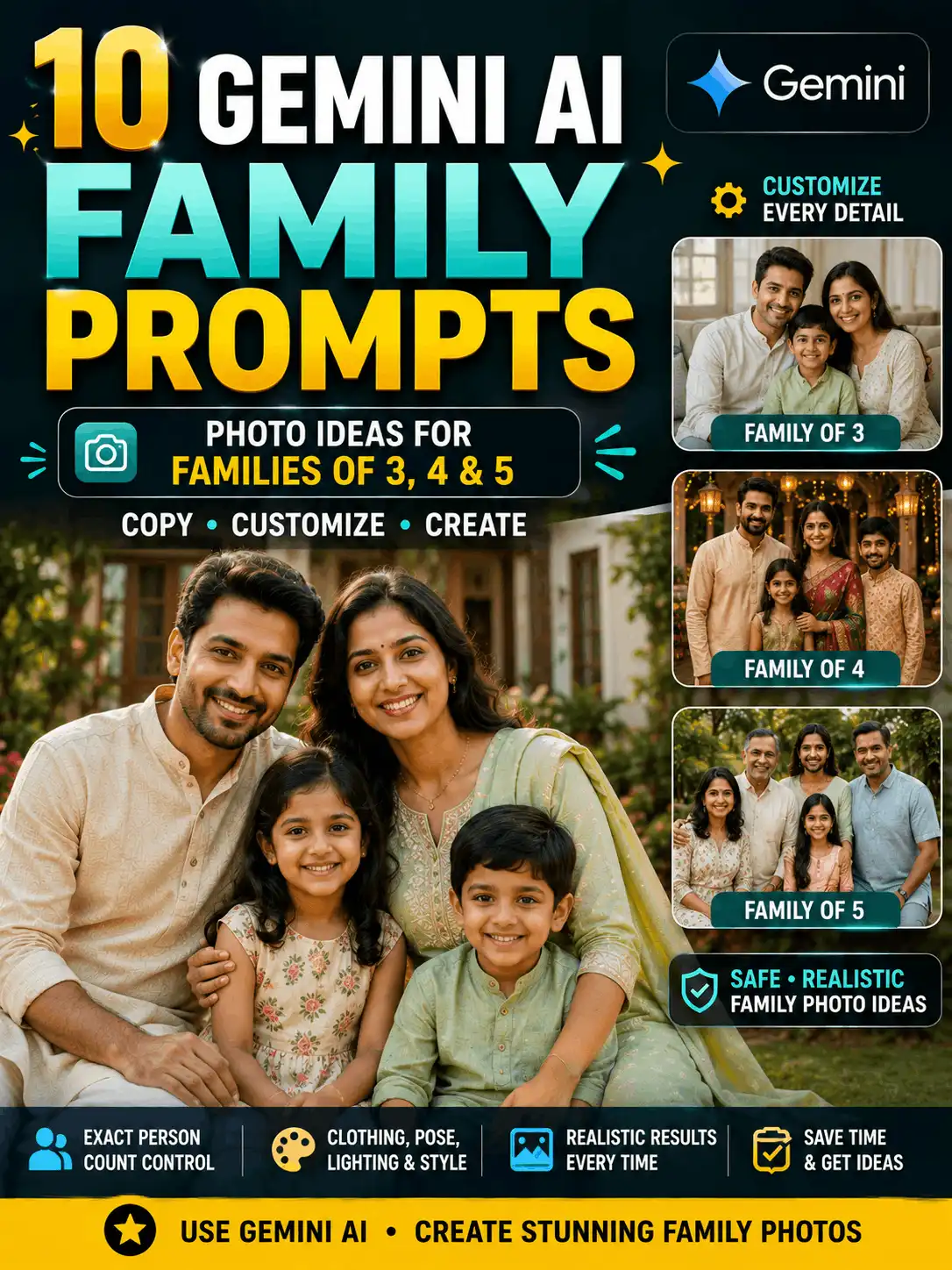
Family formats can use matching traditional outfits, warm lifestyle photography, celebration scenes, black-and-white portraits or parent-and-adult-child concepts. State the exact number of people and describe the arrangement clearly to reduce duplicates. Keep every child-related image age-appropriate, family-safe and non-romantic.
Photo Editing vs New AI Image Creation
| New image generation | Photo editing |
| Creates a new visual. | Changes an uploaded photograph. |
| Can use imagined subjects. | Uses an existing source image. |
| Describes the complete scene. | Describes the requested change. |
| Focuses on concept and composition. | Focuses on changes and preservation. |
| Generation formula Subject + clothing + pose + background + lighting + trend style + aspect ratio + quality instructions. |
| Editing formula Uploaded image + requested trend effect + details to preserve + new visual elements + lighting and composition + quality instructions. |
Many people search for a new trending photo editing prompt even when they want a completely new AI image. Clarifying the workflow helps the reader choose the correct prompt and prevents an editing instruction from accidentally replacing the entire source image.
How to Customize a Trending Photo Prompt
1. Change the subject
State the number of people, adult or child age range, general appearance, hairstyle and facial expression. Use “adult” clearly for romantic subjects and state the exact subject count for groups.
2. Change the clothing
Name the outfit, main colour, fabric, accessories and jewellery. Keep the clothing consistent with the selected decade, culture, setting or intended use.
3. Choose one visual format
Select realistic photography, cinematic portrait, meme poster, vintage image, editorial fashion, illustration or product-style poster. Mixing several unrelated formats can create an incoherent result.
4. Choose the setting
Examples include a garden, city rooftop, café, heritage courtyard, beach, studio, festival venue or rainy street. Describe only the background details that support the main subject.
5. Set the lighting and colour mood
Use morning light, golden hour, soft studio light, cinematic evening light, moonlight or warm indoor light. Add a controlled colour mood instead of requesting many conflicting colour effects.
6. Select the ratio
Use 4:5 for portrait feeds, 9:16 for Stories and Reels, 3:4 for classic vertical portraits, 1:1 for square posts, 16:9 for blog covers and the original ratio for controlled edits.
7. Add quality and review instructions
Request realistic skin, accurate hands, natural body proportions, detailed fabric, clean background separation and no random text. After generation, manually review the face, fingers, jewellery, clothing, background objects and spelling.
How to Preserve the Original Face
When a tool supports reference-photo editing, explain both the requested change and the identity details that should remain unchanged.
| Face-preservation instruction Preserve the person’s original facial structure, complexion, eyes, eyebrows, nose, lips, jawline, age, hairstyle and recognizable identity. Do not replace, reshape or excessively beautify the face. |
Use a clear source image and upload only a photograph you own or have permission to edit. Avoid contradictory age or hairstyle instructions. Make one major change at a time, keep the original ratio when possible and inspect every output manually. No tool should be presented as guaranteeing exact identity preservation.
Prompt-Type Comparison
| Prompt type | Best use | Suggested ratio | Detailed guide |
| Modern portrait | Clean current social image | 4:5 | Current Post |
| Cinematic portrait | Dramatic movie-style concept | 3:4 or 9:16 | Cinematic Photo Prompt |
| Retro concept | Nostalgic editorial image | 3:4 | Aesthetic Prompt |
| Meme poster | Humorous text-led design | 4:5 | Current Post |
| Social profile | Feed-friendly portrait | 1:1 or 4:5 | Instagram Prompt |
| Adult couple | Stylish adult-couple image | 4:5 | Trending Couple Prompt |
| Family trend | Family-safe group portrait | 4:3 | Family Photo Prompts |
| Gemini trend | Gemini-specific visual or edit | Depends on use | Gemini Trending Pillar |
| ChatGPT trend | ChatGPT-specific concept | Depends on use | ChatGPT Trending Prompt |
| Reference-photo edit | Apply a trend to an uploaded image | Original ratio | AI Photo Editing |
Common Trending-Prompt Problems
| Problem | Recommended fix |
| Trend already looks outdated | Move it to Previous Trends and link to the archive. |
| Prompt feels copied | Change the subject, setting, colour palette, composition and intended use. |
| Face changes | Add identity-preservation instructions and reduce the number of simultaneous changes. |
| Text is misspelled | Generate the visual without long text, then add the final wording manually. |
| Hands are distorted | Use a simpler pose and clearly state how many hands should be visible. |
| Image contains duplicate people | State the exact subject count and describe each person once. |
| Visual is too cluttered | Use one focal point, fewer props and a simpler background. |
| Style conflicts | Choose one primary visual format instead of mixing unrelated styles. |
| Ratio is wrong | State the required aspect ratio explicitly and place it near the end of the prompt. |
| Edit changes too much | Use “change only” instructions and list the details that must remain unchanged. |
| Results differ between tools | Record the tool, visible model, prompt version, date and reference-image status. |
Other common mistakes include using a vague instruction such as “create a nice image,” copying a competitor’s prompt without changing the concept, mixing realistic photography with cartoon and oil-painting styles, ignoring hands and background objects, or using a public figure’s likeness in a misleading relationship, event or endorsement.
How to Use These Prompts
Step 1 — Select a style
Choose the prompt card that matches the intended image rather than the card with the most decorative details.
Step 2 — Change the important details
Customize the subject, clothing, pose, setting, lighting, text area and ratio.
Step 3 — Generate or edit the image
Paste the revised prompt into a supported tool. Verify whether the current workflow is image generation or reference-photo editing.
Step 4 — Review the result
Check faces, hands, fingers, body proportions, clothing, jewellery, background objects, logos and any generated text.
Step 5 — Improve the prompt
Correct unclear details, simplify the pose or background and generate another version when necessary. Record the final prompt version if the example will be published.
Frequently Asked Questions
What is new trending photo editing?
New trending photo editing covers recently popular AI image formats, prompt structures and editing concepts. A useful page should explain the visual idea, provide a customizable prompt, identify the intended platform or workflow and show the date on which the concept was reviewed.
How often should these prompts be updated?
Prominent prompt cards should be reviewed weekly and the complete page should receive a full review at least monthly. Remove the “new” label when an idea is no longer recent, move useful older concepts to Previous Trends and send evergreen discovery to the AI Photo Editing Archives.
What is a trending AI photo prompt?
A trending AI photo prompt is a structured instruction designed around a current-looking image format. It normally includes the subject, clothing, pose, background, lighting, visual style, image ratio and quality requirements. The word “trending” describes editorial relevance; it does not guarantee reach or engagement.
Can I copy these prompts?
Yes. Use each prompt as a starting point, then change the subject, clothing, setting, lighting, ratio and intended use. Customization helps the result match your idea and reduces the risk of producing a generic copy of an image seen elsewhere.
Which AI tool should I use?
Use a tool that currently supports the type of work you need, such as new image generation or reference-photo editing. Features, models, limits and availability can change, so verify the current tool interface and terms before following platform-specific instructions.
Can one prompt work in Gemini and ChatGPT?
The main visual description may work across more than one tool, but the result can differ because models, editing features, reference-image handling and default styles are not identical. Record the exact tool, visible model and date when you test a prompt.
Why does my result look different from the example?
Results can change because of the selected model, prompt wording, generation settings, reference image, aspect ratio and random variation. Review the face, hands, body proportions, clothing, jewellery, background objects and any text before publishing.
How can I preserve my original face?
Use a clear reference image and state which identity details must remain unchanged: facial structure, complexion, eyes, eyebrows, nose, lips, jawline, age, hairstyle and recognizable identity. Make one major change at a time and inspect every output manually. Exact preservation cannot be promised.
Which image ratio is best for Instagram?
Use 4:5 for most feed portraits, 9:16 for Stories and Reels and 1:1 when a square layout is required. Keep the face and important objects away from the edges so the image remains usable after interface overlays or cropping.
Are viral photo prompts guaranteed to become popular?
No. A viral-style photo concept can look suitable for social media, but no prompt can guarantee views, ranking, shares or engagement. Performance also depends on originality, timing, audience, caption, distribution and platform behaviour.
Can I use another person’s photograph?
Only upload or edit a photograph when you own it or have clear permission from the person or rights holder. Avoid deceptive identity changes, fabricated endorsements, false relationships and images that misrepresent real events.
Can I use trending images commercially?
Review the current commercial-use terms of the AI tool and check whether the result includes copyrighted characters, trademarks, logos, protected designs or another person’s identity. Keep records of your prompt, source images, tool and test date.
What happens to older trends?
Useful older ideas should not be silently deleted or presented as new. Relabel them as Previous trend, Still usable, Replaced, Platform support changed or Archived for reference, then link them to the AI Photo Editing Archives when appropriate.
Where can I find Gemini-specific trending prompts?
Use the dedicated Trending Gemini Photo Prompts pillar for larger Gemini collections, current Gemini workflows and model-specific observations. This cross-platform page should only summarize Gemini ideas so the two pages do not compete for the same search intent.
Related Pillar Pages and Guides
AI Photo Editing — Parent category for editing guidance and related prompt collections.
AI Photo Editing Archives — Evergreen discovery page for useful older and archived editing ideas.
Trending Gemini Photo Prompts — Gemini-specific trend keywords, workflows and larger prompt collections.
ChatGPT Trending Prompts — ChatGPT-specific current prompt ideas and feature notes.
Trending Instagram AI Photo Prompts — Instagram-focused formats, ratios and social composition guidance.
Trending Couple Prompts — Detailed adult-couple trend collection.
Family Photo Prompts — Family-safe group and relationship-based photo ideas.
Aesthetic Prompts — Evergreen retro, soft, vintage and aesthetic style guidance.
Cinematic Photo Prompts — Detailed cinematic lighting, atmosphere and scene-building prompts.
Image Prompts — Evergreen cross-platform image-prompt education.
Final Thoughts
A useful trending photo editing prompt explains the subject, clothing, pose, setting, lighting, visual format, image ratio and quality requirements. Use this rolling page to discover current-looking concepts, then open the narrower Gemini, ChatGPT, Instagram, couple, family, cinematic or aesthetic guide when you need platform-specific depth. Customize every prompt, review every output and move older ideas to the archive instead of continuing to call them new.
| Ready to Create Your Image? Choose a featured style, copy the prompt and change the details for your own creative idea. Browse the latest prompt cards. Explore AI Photo Editing. |
Author and Review Information
Written by: Swetha
Author profile: Swetha is an MCA graduate with five years of experience in blogging, YouTube and social media, plus two years of experience in AI prompt creation. She uses Gemini and ChatGPT daily to create practical AI image prompts, photo-editing ideas and beginner-friendly guides for AskExclusive.
Reviewed by: Swetha
Published: 03.08.2026
Last updated: 03 August 2026
Prompt Testing Methodology | Corrections Policy | AI Content and Image Disclosure
AI Image and Safety Disclosure
Some images and prompt examples on this page may be produced with AI tools for educational and creative demonstration. AI-generated or AI-edited images should not be presented as genuine photographs of real events unless clearly stated. Use reference photographs only with permission, avoid misleading celebrity or public-figure images, do not reproduce film stills or unauthorized brand logos, and review the current terms of the tool before commercial use.