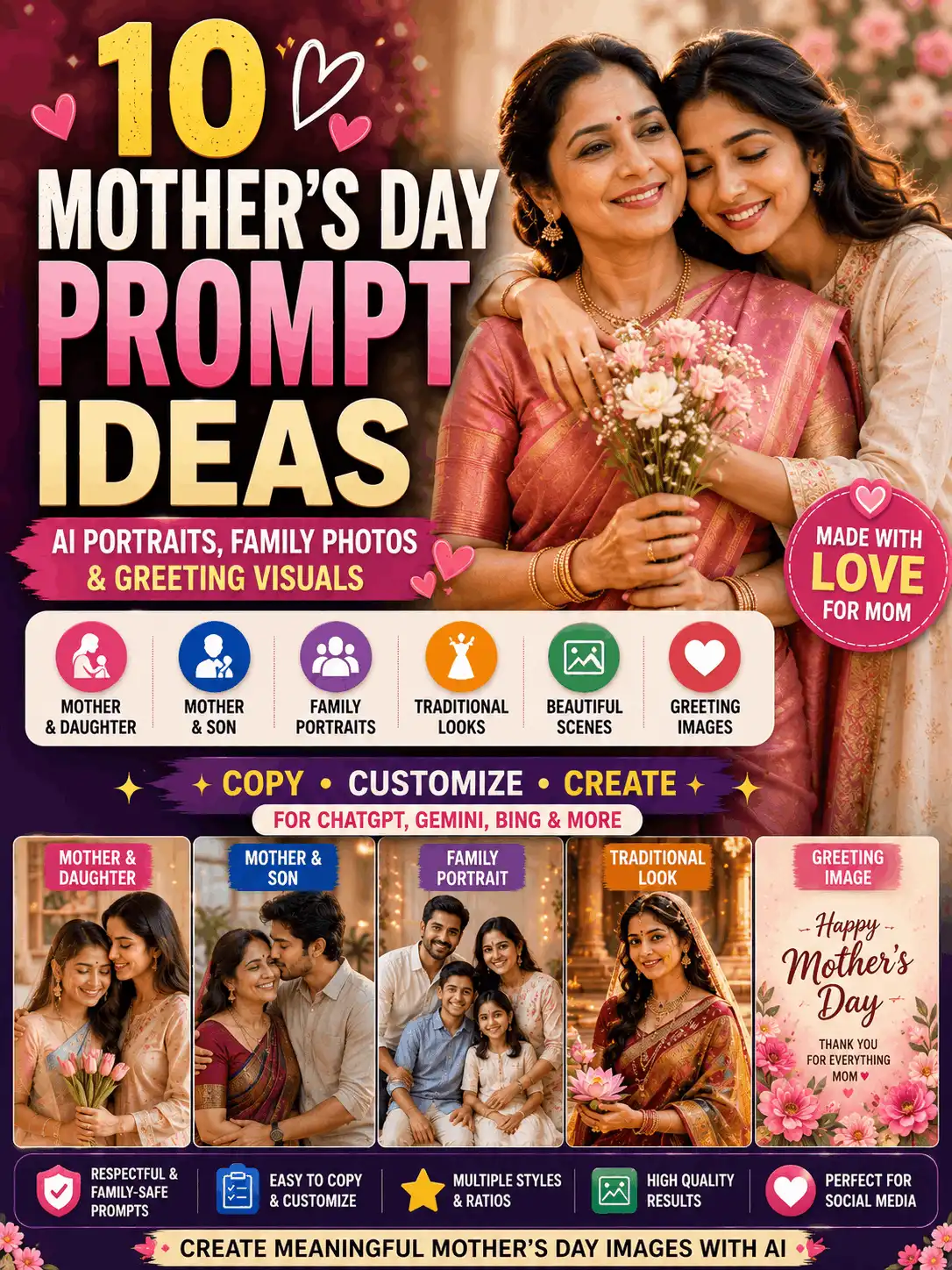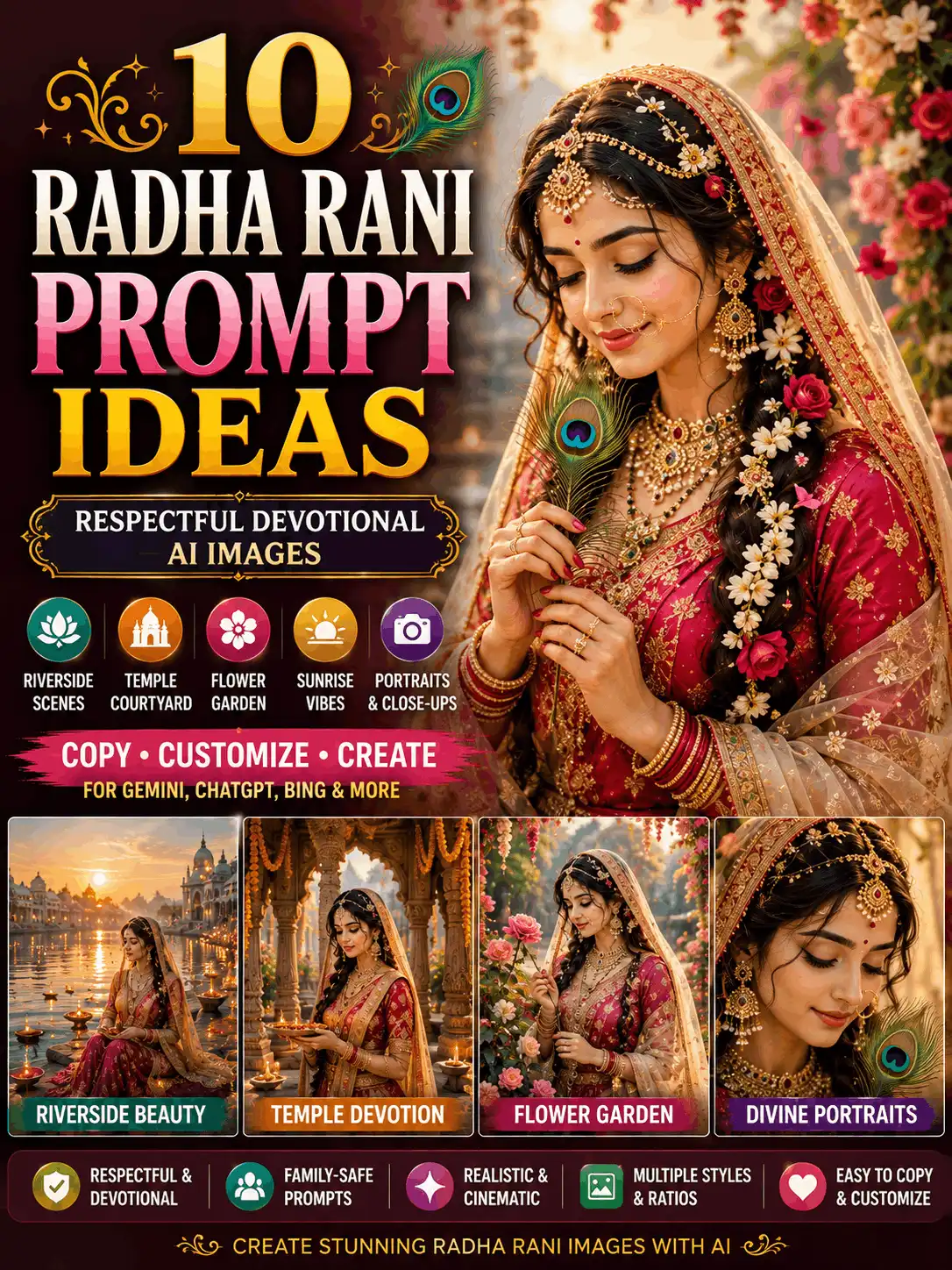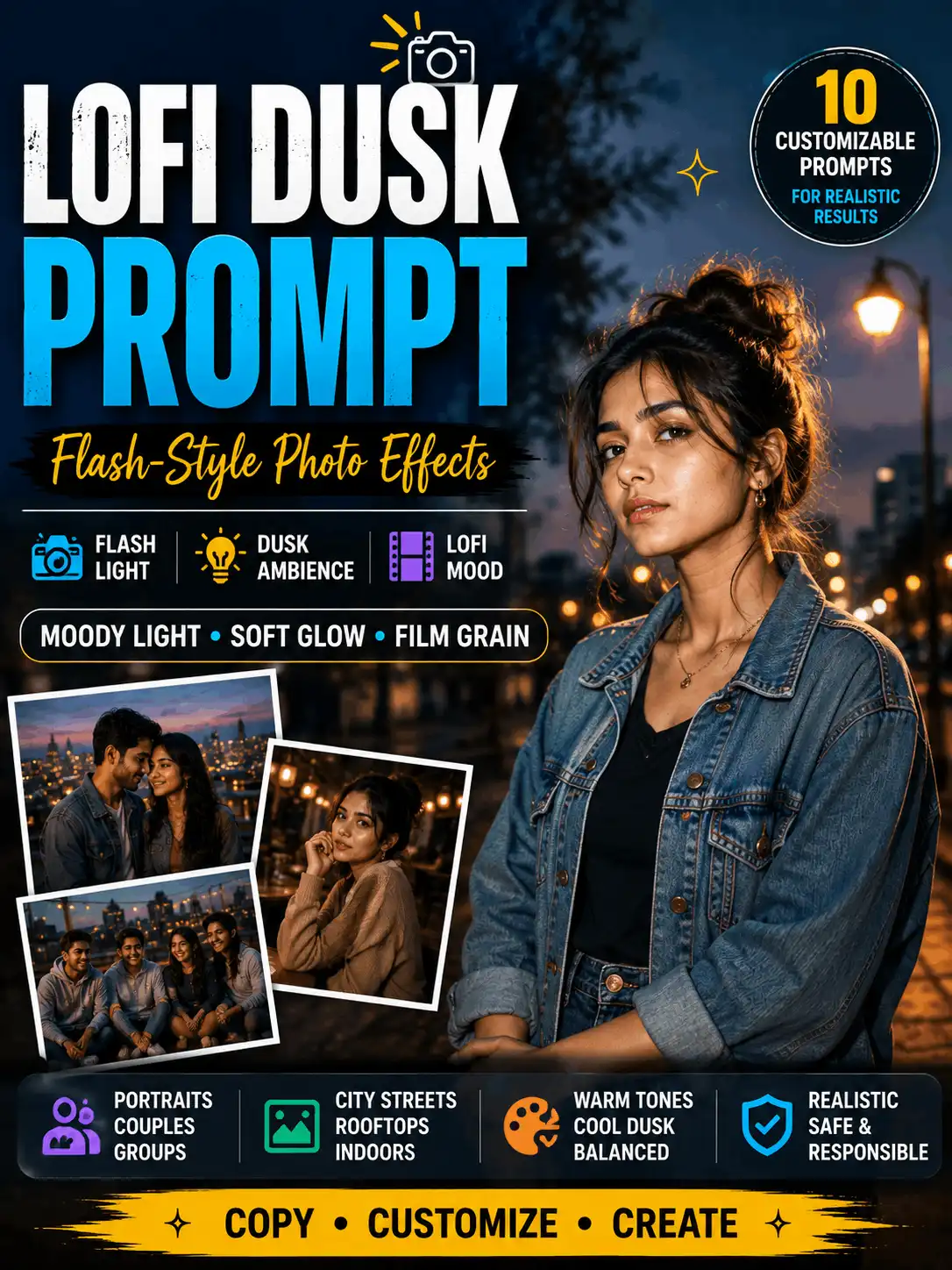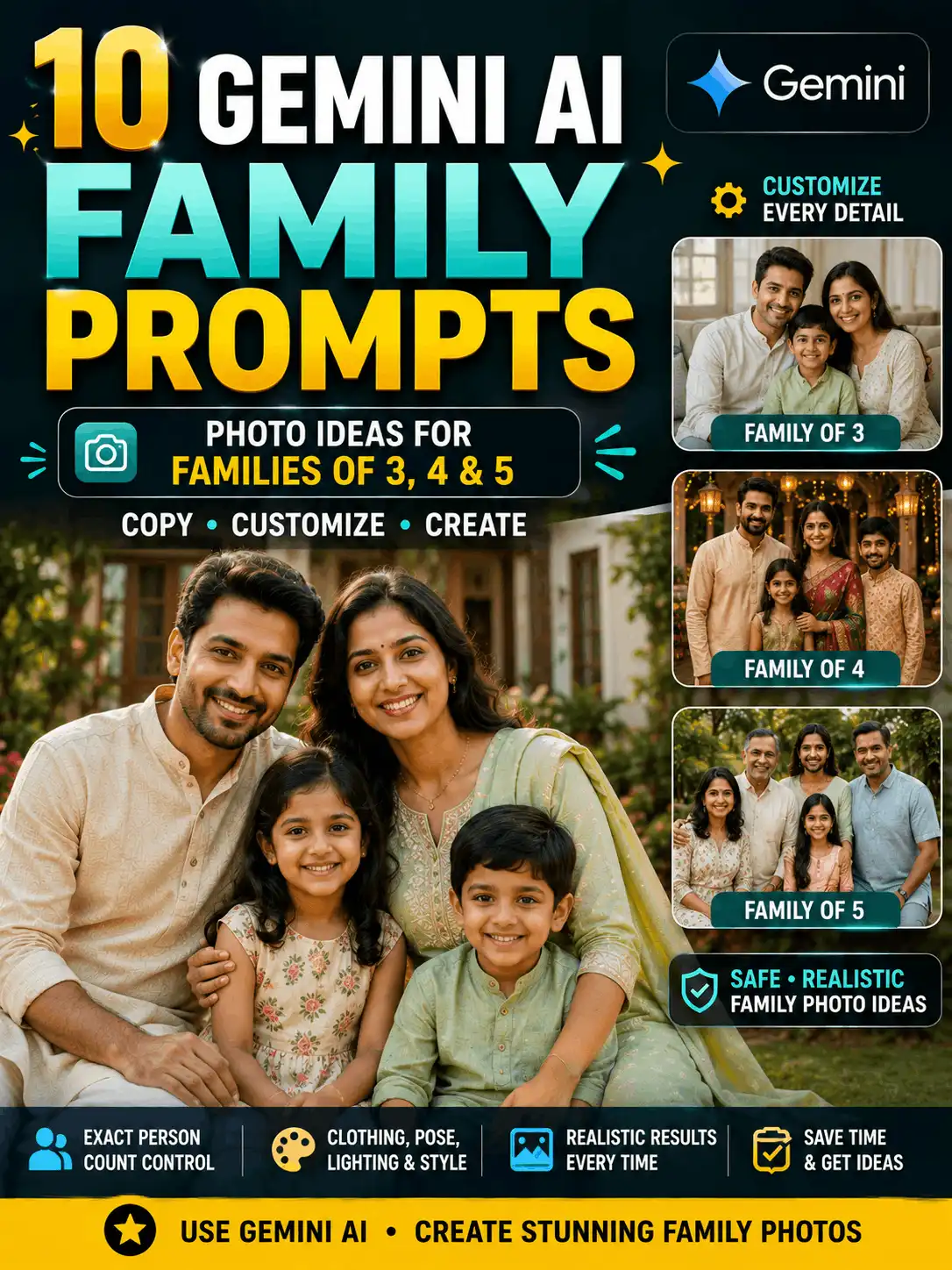

AI Photo Editing Archives: Browse Prompts and Editing Guides
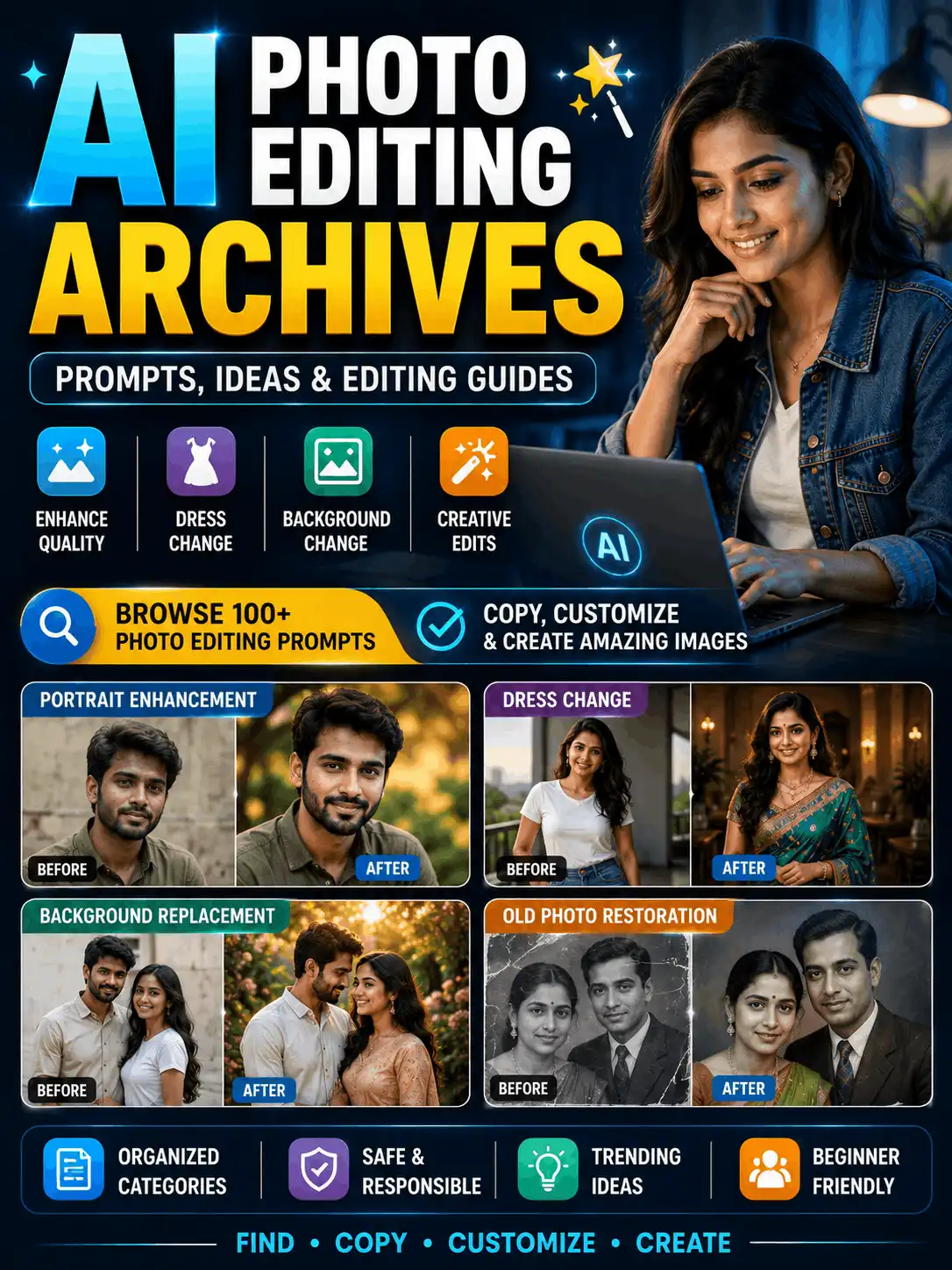
Looking for an organized collection of AI photo editing prompts? These AI photo editing archives help you find practical guides for improving image quality, enhancing portraits, changing clothes, replacing backgrounds, editing objects, restoring old photographs and trying creative effects.
Instead of scrolling through an unstructured list of posts, you can browse by editing task, platform or intended result. Choose the change you need, open the related guide and customize the example photo editing prompt for your own image. Clearly state what should change and what must remain unchanged. Upload only photographs you own or have permission to edit, and review every result before saving, sharing or publishing it. AI-generated edits can vary according to the tool, model, settings and source-image quality.
| Quick Answer: What Are AI Photo Editing Archives? AI photo editing archives are a curated collection of prompts, tutorials and examples organized by editing goal. Use this page to choose a task such as portrait enhancement, clothing replacement, background editing, old-photo restoration or object modification, then open the detailed guide for customizable instructions. |
| Permission and Safety Reminder Use only photographs you own or have permission to edit. Do not use these instructions for deceptive impersonation, fake evidence, unauthorized private images, watermark removal or false identity documents. |
What Are AI Photo Editing Archives?
AI photo editing archives are designed to help users discover the right editing guide quickly. The page groups related articles by the type of change requested, including portrait improvement, quality enhancement, clothing replacement, background editing, restoration, object editing and creative transformation.
This page is not an AI photo editor and it is not intended to replace the main AI Photo Editing category. The category acts as the site’s taxonomy landing page, while this pillar explains how to select a guide, structure an editing instruction and preserve important original details. Some linked prompts are written for Gemini or ChatGPT, while others can be adapted as general AI editing instructions where reference-photo editing is supported.
The short examples below are starting points rather than complete collections. Open the linked article when you need more focused ideas, platform guidance or additional variations. Interfaces and features can change, so confirm what your chosen tool currently supports before uploading a photograph.
Phrases such as ai editing photo, editing prompt ai, ai edit prompt, photo edit prompts and photos editing prompt usually describe the same basic need: a clear instruction for modifying an existing photograph rather than creating a new image from nothing.
Visitors searching for an ai photo editor prompt free can copy and customize the prompt text on AskExclusive, but the editing tool or feature may require a paid plan. The best photo editing prompts are task-specific and depend on the source image, details to preserve, platform and output format.
Browse the main AI Photo Editing category for the full taxonomy and current article list.
Choose the Right AI Photo-Editing Guide
Use the table to match the intended edit with the most relevant guide. The final two columns are equally important: one defines the change and the other protects the original photograph.
| Editing goal | Recommended guide | What should change | What should remain |
| Improve image quality | 8K Photo Editing Prompt | Sharpness, lighting and colour balance | Face, pose and natural texture |
| Enhance an adult portrait | Girl Photo Editing | Lighting, background and overall polish | Identity, age and proportions |
| Add a decorative effect | Butterfly Editing Photo | Butterflies and subtle visual elements | Main person and composition |
| Replace clothing | Dress Change Prompt | Outfit, colour, fabric and accessories | Face, pose and body shape |
| Create a fictional transformation | Character Swap AI | Permitted original character concept | Only relevant composition details |
| Edit a bike photograph | Edit Bike | Colour, setting, reflections or clean-up | Model, structure and perspective |
| Change a background | Background Change Prompt for Gemini | Location, atmosphere and background light | Subject, face and pose |
| Repair an old photograph | Old Photo Restoration Prompt Gemini | Scratches, dust, fading and minor damage | Identity, clothing and period details |
| Find recently added ideas | New Trending Photo Editing | Current visual concept | Originality and platform safety |
Simple AI Photo-Editing Prompt Formula
An editing prompt is different from a prompt for creating a completely new picture. It must identify the source image, define the requested edit and protect the original details that should not move or change.
| Formula Uploaded image + requested change + details to preserve + new visual details + lighting and style + quality requirements |
| Reusable example Edit the uploaded portrait by replacing the background with a softly blurred heritage courtyard. Preserve the person’s original face, age, skin tone, hairstyle, expression, pose and body proportions. Match the new background with realistic perspective, lighting and shadows. Maintain natural skin texture, accurate hands and detailed clothing. Customize the details and review the result. Results may vary by platform, model, settings and source image. |
Use specific instructions instead of writing “make this photo better.” A clear photo edit prompt can reduce unwanted changes, although no wording can guarantee perfect face preservation or an identical result.
What to Change and What to Preserve
The most important principle in ai prompt editing is separation: list the parts that may change, then list the parts that must remain. This approach is useful for a general ai photo editor prompt, a platform-specific instruction or a short photo editing prompt copied from a guide.
| Details You Can Change Background or locationClothing, colour or fabricLighting and colour balanceA specific object or distractionHairstyle when intentionally requestedImage style, crop or ratioScratches, dust or damaged areas | Details to Preserve Facial structure and recognizable identityNatural skin tone and ageExpression and hairstyle when not being editedPose and body proportionsHands and subject countClothing when it is not the target of the editOriginal composition when no reframing is requested |
| Reusable preservation wording Keep the original facial structure, complexion, age, expression, hairstyle, pose and recognizable identity unchanged. Do not reshape, replace or excessively beautify the face. Customize the details and review the result. Results may vary by platform, model, settings and source image. |
Do not add preservation instructions that conflict with the requested edit. For example, when changing a hairstyle, preserve the face and identity but not the original hairstyle. When changing only the background, protect the clothing, pose, hands and framing as well.
Portrait and Quality Editing Guides
Use portrait and quality guides when the main goal is to improve visible clarity, balance lighting, refine an adult portrait or add a controlled creative element. The requested improvement should not erase natural texture or change the person’s recognizable identity. Avoid unsupported promises about 4K, 8K or guaranteed restoration; describe the visible improvement you want instead.
Browse the Portrait and Quality Editing subcategory.
8K Photo Editing Prompt
This guide is for quality-oriented edits such as clearer details, balanced light, natural colour correction and gentle background separation. Ask for realistic improvement rather than artificial sharpening, plastic skin or a guaranteed output resolution.
Best for: Low-light portraits, softly blurred photographs and social-media images that need a cleaner finish.
| Short example prompt Enhance the uploaded portrait with improved clarity, balanced lighting, natural colour correction and gentle background separation. Preserve the original face, skin tone, age, expression and pose. Keep natural skin texture and avoid excessive sharpening or plastic smoothing. Customize the details and review the result. Results may vary by platform, model, settings and source image. |
Open the complete 8K Photo Editing Prompt guide
Girl Photo Editing
This section introduces family-safe portrait-editing ideas for adult women. Useful changes may include softer light, a cleaner setting, balanced colour or a more polished editorial look. Preserve natural identity and proportions, and avoid extreme beauty filters or sexualized changes.
Best for: Adult portraits, profile images, traditional looks and clean editorial photographs.
| Short example prompt Enhance the uploaded portrait of an adult woman with soft natural lighting, balanced colour and a clean garden background. Preserve her original face, age, skin tone, hairstyle, expression and body proportions. Maintain realistic skin texture and accurate hands. Customize the details and review the result. Results may vary by platform, model, settings and source image. |
Open the complete Girl Photo Editing guide
Butterfly Editing Photo
Butterfly editing adds a decorative effect without replacing the main scene. Keep the number of butterflies limited, match their light and depth to the photograph, and place them away from the eyes and face. Review for malformed wings, repeated objects and unrealistic scale.
Best for: Garden portraits, soft aesthetic edits and creative social posts.
| Short example prompt Add a few realistic blue butterflies around the subject in the uploaded garden portrait. Keep the person, face, clothing, pose and background composition unchanged. Match the butterflies with the scene’s light, depth and perspective, and keep them away from the eyes and face. Customize the details and review the result. Results may vary by platform, model, settings and source image. |
Open the complete Butterfly Editing Photo guide
Transformations and Object-Editing Guides
Transformation and object-editing prompts should identify one controlled change and set clear boundaries. Clothing replacement can preserve the person while changing the outfit. Vehicle editing can preserve structure while changing colour or setting. Character transformations require extra care: use original, licensed or clearly permitted concepts and avoid deceptive real-person or celebrity impersonation.
Browse the Transformations and Object Editing subcategory.
Dress Change Prompt
Dress-change editing is most reliable when the full replacement outfit is described, including garment type, colour, fabric, sleeves, borders and accessories. State that the face, pose and body proportions must remain unchanged, and ask for realistic folds and shadows.
Best for: Traditional clothing concepts, colour changes, formal outfits and fashion visualizations.
| Short example prompt Replace the current outfit in the uploaded portrait with an elegant blue silk saree and matching blouse. Keep the person’s face, skin tone, hairstyle, pose and body proportions unchanged. Add realistic fabric folds, accurate shadows and natural jewellery placement. Customize the details and review the result. Results may vary by platform, model, settings and source image. |
Open the complete Dress Change Prompt guide
Character Swap AI
Character transformation should be clearly fictional and non-deceptive. Build an original character style instead of copying a public figure or protected character exactly. Do not use the edit to fabricate an endorsement, relationship, event or piece of evidence.
Best for: Original fantasy concepts, licensed character campaigns and clearly fictional creative edits.
| Short example prompt Transform the uploaded adult portrait into an original fantasy guardian concept with silver-and-blue clothing, subtle armour details and a misty mountain background. Keep the composition recognizable as a fictional creative edit. Do not copy a real public figure or an existing protected character. Customize the details and review the result. Results may vary by platform, model, settings and source image. |
Open the complete Character Swap AI guide
Edit Bike
Bike editing can change paint colour, lighting, background, reflections or presentation while preserving the vehicle’s model, wheels, structure and perspective. When a rider appears, keep the scene realistic and avoid changes that create unsafe or impossible riding conditions.
Best for: Vehicle colour previews, cleaner product-style presentation and location changes.
| Short example prompt Edit the uploaded bike photograph by changing the body colour to deep metallic blue and replacing the background with a clean urban street during evening light. Preserve the bike’s model, structure, wheels, perspective and proportions. Use realistic reflections and shadows. Customize the details and review the result. Results may vary by platform, model, settings and source image. |
Open the complete Edit Bike guide
Background-Change Guides
Background-change prompts work best when the instruction says to replace only the background. Describe the new setting, time of day, depth of field and lighting, then protect the subject’s face, clothing, pose, hands and body proportions.
Ask the editor to match perspective, edge detail, shadows and colour temperature. A bright subject placed into a dark scene can look artificial unless the new light is applied consistently. Hair edges, transparent fabric and objects held near the body need careful review after generation.
| Short background-change prompt Replace only the background of the uploaded photo with a softly blurred garden during golden hour. Keep the person’s original face, hairstyle, clothing, pose, hands and body proportions unchanged. Match the new background with natural shadows and warm light. Customize the details and review the result. Results may vary by platform, model, settings and source image. |
Open the complete background-change guide
Old-Photo Restoration Guides
Old-photo restoration should repair visible damage while protecting identity and historical information. Request reduction of scratches, dust, fading and minor surface damage, but do not ask the system to invent missing facial details that cannot be supported by the photograph.
Keep original clothing, pose, composition and period appearance unless a separate, clearly labelled creative colourization is intended. Review faces closely because aggressive restoration may create a different expression, age or facial structure. Save the untouched source file before trying any restoration prompt.
| Short restoration prompt Restore the uploaded old photograph by reducing scratches, dust, fading and minor surface damage. Preserve every person’s identity, facial features, clothing, pose and original composition. Improve clarity carefully without creating an artificial modern appearance. Customize the details and review the result. Results may vary by platform, model, settings and source image. |
See old-photo restoration prompts
Gemini Photo-Editing Prompts
Gemini-focused editing guides can be useful for background replacement, restoration, portrait enhancement and other reference-photo changes where the feature is available. Write the instruction in a change-versus-preserve format: first identify the uploaded image and requested edit, then list the original details that must remain unchanged.
This archive includes only a short platform summary. Open the dedicated Gemini pillar for its complete collection, interface guidance and platform-specific examples. Features, limits and results can change, so avoid assuming that every editing function is available to every account or plan.
Browse Gemini AI photo-editing prompts
ChatGPT Photo-Editing Prompts
ChatGPT photo-editing prompts can describe portrait enhancement, clothing changes, background replacement, object removal and creative transformations where image editing is supported. Keep the instruction focused on one primary editing goal and identify the parts of the source photo that should be protected.
The dedicated ChatGPT pillar owns the full platform-specific collection. Use this archive to decide whether that guide matches your task, then review current product capabilities before uploading a reference image. Results may vary according to the model, source image and editing workflow.
Open ChatGPT photo-editing prompts
New and Trending Photo Editing
Use the recently updated section to discover a new photo editing prompt or a current visual concept without turning this archive into a trend-only page. Display a small selection of recent guides with clear update dates, platform labels and original example images.
The separate New Trending Photo Editing pillar should contain the larger changing collection. Avoid claims that a prompt is guaranteed to go viral, rank or produce identical results. Trends move quickly, so verify that each linked card is published and genuinely current before displaying it.
Browse new and trending photo-editing ideas
How to Customize a Photo-Editing Prompt
Use the following workflow whether you are adapting an ai editing prompt, writing a photo editor prompt from scratch or modifying a short prompt editing photo example from a linked guide.
1. Specify the source image
Say whether the upload is an adult portrait, family photo, couple photo, old photograph, product, vehicle or landscape. This context helps the editor understand what the main subject is.
2. Use a clear editing verb
Choose one direct action such as replace, remove, improve, restore, recolour, add, crop, reframe or clean up. Avoid vague wording such as ‘make it better.’
3. Describe the intended result
Add the new colour, clothing, location, lighting, visual mood, style and image ratio only when they are relevant to the requested edit.
4. State what must remain unchanged
Protect the face, identity, age, pose, subject count, body proportions and important original details. For a background edit, say ‘replace only the background.’
5. Add realistic quality controls
Request matching perspective, light and shadows, natural skin texture, accurate hands, clean edges and no random text, logos or watermarks.
6. Review and refine
Check the complete image. If too many elements changed, simplify the instruction and repeat the preservation details before generating another version.
Recommended Image Ratios
For simple enhancement, restoration or object removal, retaining the original ratio is usually preferable. Choose a new ratio only when a different composition is part of the editing goal.
| Intended use | Suggested ratio | Guidance |
| Keep the original composition | Original ratio | Preferred for simple enhancement, restoration and object removal |
| Square social post | 1:1 | Balanced feed graphics and archive cards |
| Portrait feed post | 4:5 | Social portrait posts |
| Detailed portrait | 3:4 | Editorial or full portrait framing |
| Story or Reel | 9:16 | Vertical mobile content |
| Landscape image | 4:3 | Wider scenes and products |
| Blog featured image | 16:9 | WordPress cover and section images |
Common AI Photo-Editing Problems and Fixes
A detailed prompt cannot remove every generation error, but it can make the editing boundary clearer. Use these corrections when the first result changes too much or looks artificial.
| Problem | Recommended instruction |
| Face changed | Add detailed identity-preservation wording and avoid conflicting beauty instructions. |
| Too many parts changed | State “change only” the intended element and list the protected details. |
| Skin looks plastic | Request natural texture, realistic pores and no excessive smoothing. |
| Clothing looks incomplete | Describe the full outfit, sleeves, fabric, borders and accessories. |
| Background looks artificial | Request matching perspective, colour temperature, light and shadows. |
| Hands are distorted | Preserve the original hands or use a simpler pose and composition. |
| Object removal leaves damage | Ask for natural reconstruction of the cleared area and surrounding texture. |
| Colours look excessive | Request balanced colour correction, realistic saturation and natural contrast. |
| Random text appears | Request no text, signs, logos or watermarks in the generated area. |
| Original composition is lost | Ask to retain framing, crop and subject placement. |
Frequently Asked Questions
What are AI photo editing archives?
They are an organized collection of AI photo editing prompts, tutorials and linked guides grouped by the type of edit a visitor wants to make. This page helps users choose the correct guide rather than presenting only a chronological list of posts.
How do I find the correct editing prompt?
Start with the editing goal. Choose portrait enhancement, clothing replacement, background editing, restoration, object editing or a creative effect. Then open the detailed guide and customize its example for the source photograph.
What should an AI photo-editing prompt contain?
A useful AI photo editing prompt identifies the uploaded image, the requested change, the new visual details, the original details to preserve, the lighting or style requirements and the quality checks. Clear change-versus-preserve instructions reduce unwanted edits.
What is the best photo editing prompt?
There is no single prompt that is best for every image. The most suitable photo editing prompt depends on the editing goal, original image quality, details that must remain unchanged, chosen tool and intended image format.
Can AI improve a blurry image?
AI may improve visible clarity in some images, but it cannot reliably recover every missing detail. Request balanced sharpening, natural texture and realistic colour, and avoid claims that a prompt guarantees a true 4K or 8K restoration.
Can I change clothes in an uploaded photo?
Where reference-photo editing is supported, a dress-change prompt can describe a replacement outfit while protecting the face, skin tone, pose and body proportions. Use adult, family-safe examples and review fabric, hands and jewellery carefully.
Can AI replace a photo background?
Yes, where the chosen editor supports it. Ask to replace only the background, describe the new setting and request matching perspective, light, shadows and subject edges. Keep the original face, pose, clothing and body proportions unchanged.
How do I preserve the original face?
Use specific preservation wording. State that the original facial structure, complexion, age, expression, hairstyle and recognizable identity must remain unchanged. Avoid combining that request with instructions to reshape or excessively beautify the face.
Can AI repair an old photograph?
AI can assist with scratches, dust, fading and minor damage. It should preserve identity, clothing, pose, composition and period details. Do not present invented facial information as an accurate historical restoration.
Can I use one prompt in Gemini and ChatGPT?
The main instruction structure may be reusable, but available features and results can differ. Open the platform-specific guide and check whether reference-photo editing is currently supported in your workflow.
Are AI photo editor prompts free?
The prompt text on AskExclusive can be copied and customized. That does not mean every AI tool, account plan or editing feature is free. Review the current access and pricing information provided by the platform you use.
Can I edit another person’s photograph?
Only upload and edit photographs you own or have permission to use. Do not use editing prompts for deceptive impersonation, fake evidence, unauthorized private images, celebrity endorsements, watermark removal or false identity documents.
Why does the edited result look different?
Results can change because of the model, source image, interface, generation settings and prompt wording. Review the face, hands, proportions, clothing, objects, background edges and random text, then refine the prompt when necessary.
Can I use an AI-edited image commercially?
Review the current terms of the tool and confirm that you have rights to the source image and included material. Avoid unauthorized copyrighted characters, trademarks, private identities and misleading depictions of real events or endorsements.
Browse Related Editing Guides
These links are grouped by user goal. Each detailed article should remain attached to its approved category or platform silo; this archive summarizes the choice without reproducing the complete supporting post.
Popular editing guides
- 8K Photo Editing Prompt
- Dress Change Prompt
- Girl Photo Editing
- Background Change Prompt for Gemini
- Old Photo Restoration Prompt Gemini
Creative and object editing
- Butterfly Editing Photo
- Character Swap AI
- Edit Bike
Platform and trend guides
| Explore the AI Photo Editing Archives Use these AI photo editing archives to choose the editing task that matches your photograph. Start with a focused guide, copy the short example only as a starting point and customize the requested change, preservation details, lighting, style and image ratio. A useful ai editing prompt should make it obvious which element may change and which original details must remain. Review faces, hands, proportions, clothing, objects, text and background edges before publishing. For time-sensitive visual ideas, continue to the New Trending Photo Editing pillar; for platform-specific instructions, use the Gemini or ChatGPT editing guide. |
Browse Photo-Editing Guides | Explore New Trending Photo Editing
About the Author
Swetha — AI Prompt Creator and Digital Content Specialist
Swetha is an MCA graduate with five years of experience in blogging, YouTube and social media, plus two years of experience creating and refining AI prompts. She uses Gemini and ChatGPT in practical creative workflows and develops beginner-friendly guides for AskExclusive.
| AI and Image Disclosure Some example prompts and future example images on this page may be produced with AI tools for educational and creative demonstration. AI-edited images should not be presented as genuine photographs of events that did not occur. Results can vary as platforms and models change. |